 Linear
Linear issues, connected to the objectives they are supposed to move.
Vindaris reads your Linear issues over the GraphQL API at the scope you set, from your own assigned work to a set of teams to the whole workspace. Status, due date, title, and description sync both ways, and the comment thread rides along, because that is where a stalling objective shows first.
Free forever | Two integrations included | Your team keeps working in Linear
The issue, where it sits in the workflow, and the thread on it.
A Linear issue carries its meaning in its workflow state and the discussion attached to it. Most goal tools pull a percentage out and stop there. Vindaris keeps the issue as an object in the Work Graph with both of those, because that is where the early signal of a slipping objective lives.
A connection reads the issues assigned to you, a chosen set of teams, or the whole workspace. Narrow it when one squad owns the objective, widen it when the goal spans several teams.
Linear's workflow states are read by their underlying type, so a team running Triage, In Progress, and In Review maps to Vindaris states without renaming anything in Linear.
A state change in Linear updates the linked work in Vindaris, and completing it in Vindaris moves the Linear issue to the matching state on its team.
Issue comments come across as readable text, so the Work Graph can see the blocked dependency or the spec argument behind an issue that has stopped moving.
A note written in Vindaris posts onto the Linear issue as a comment, so the discussion stays with the work the team is doing.
Editing the title or description on either side updates the other, so there is no second copy of the issue to maintain.
Authorize once, choose the scope, confirm the mapping.
The connection is OAuth against Linear's API. Nothing is installed inside your workspace and no data is migrated.
Sign in through Linear OAuth from the integrations screen. Vindaris stores the token encrypted, scoped to the organization that authorized it.
Pick your own assigned issues, one or more teams, or the whole workspace. Several connections can run side by side on different goals.
Vindaris suggests which issues belong to which goal from team, owner, and naming patterns. Approve the ones that fit and leave the rest unmapped.
Progress and risk on the goal are read from issue movement. When the issues behind an objective stop transitioning, the goal is flagged.
Linear issues sitting under the goal they belong to.
Every synced issue carries a Linear source tag and lives beneath the objective it advances, so you can see how much of the cycle is actually pointed at the quarter's target.
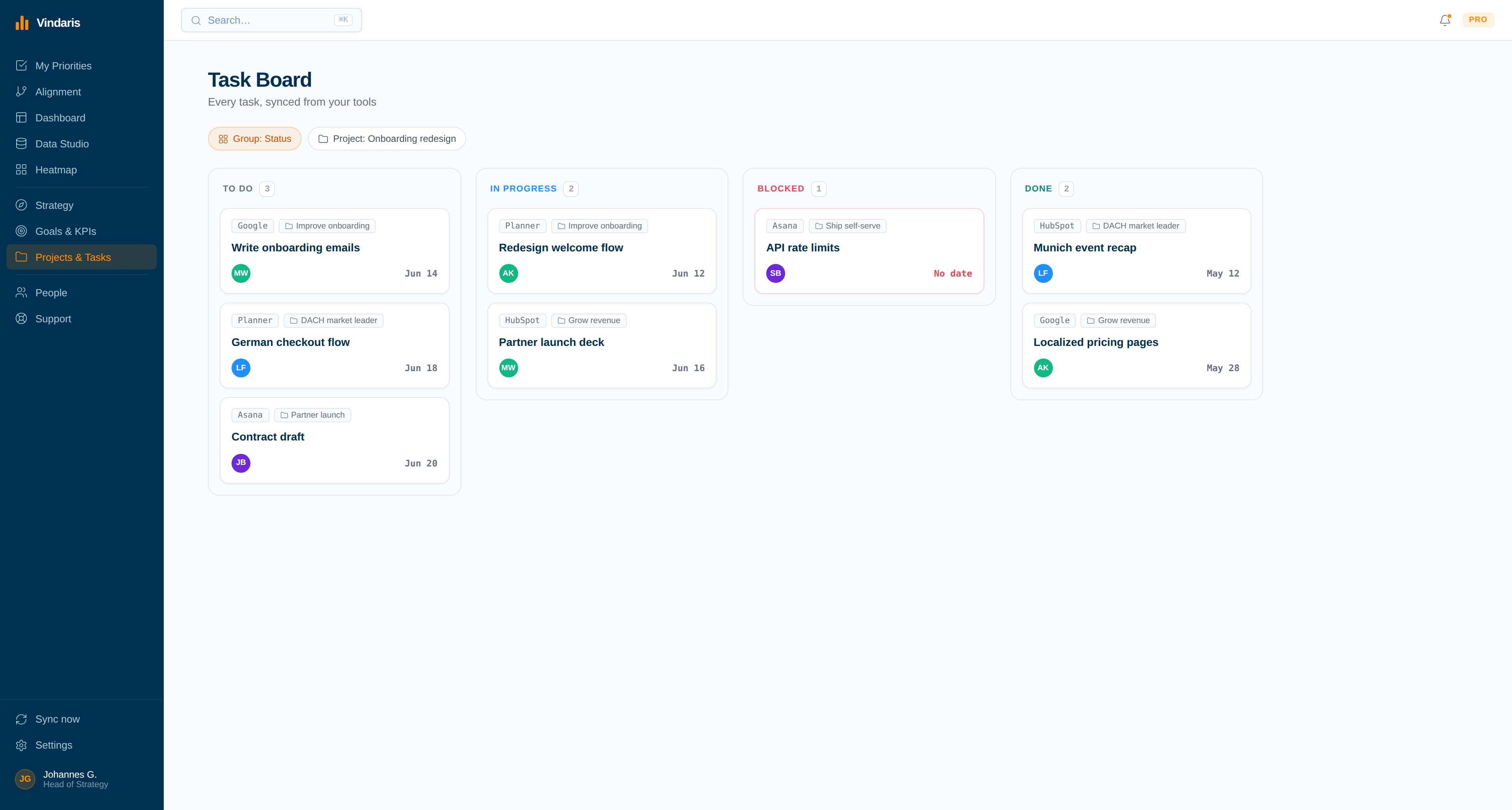
The objective whose issues went quiet.
The Work Graph compares issue movement against what the KPI needs. A goal with two open issues and no transitions in three weeks gets flagged while the quarter can still be saved.
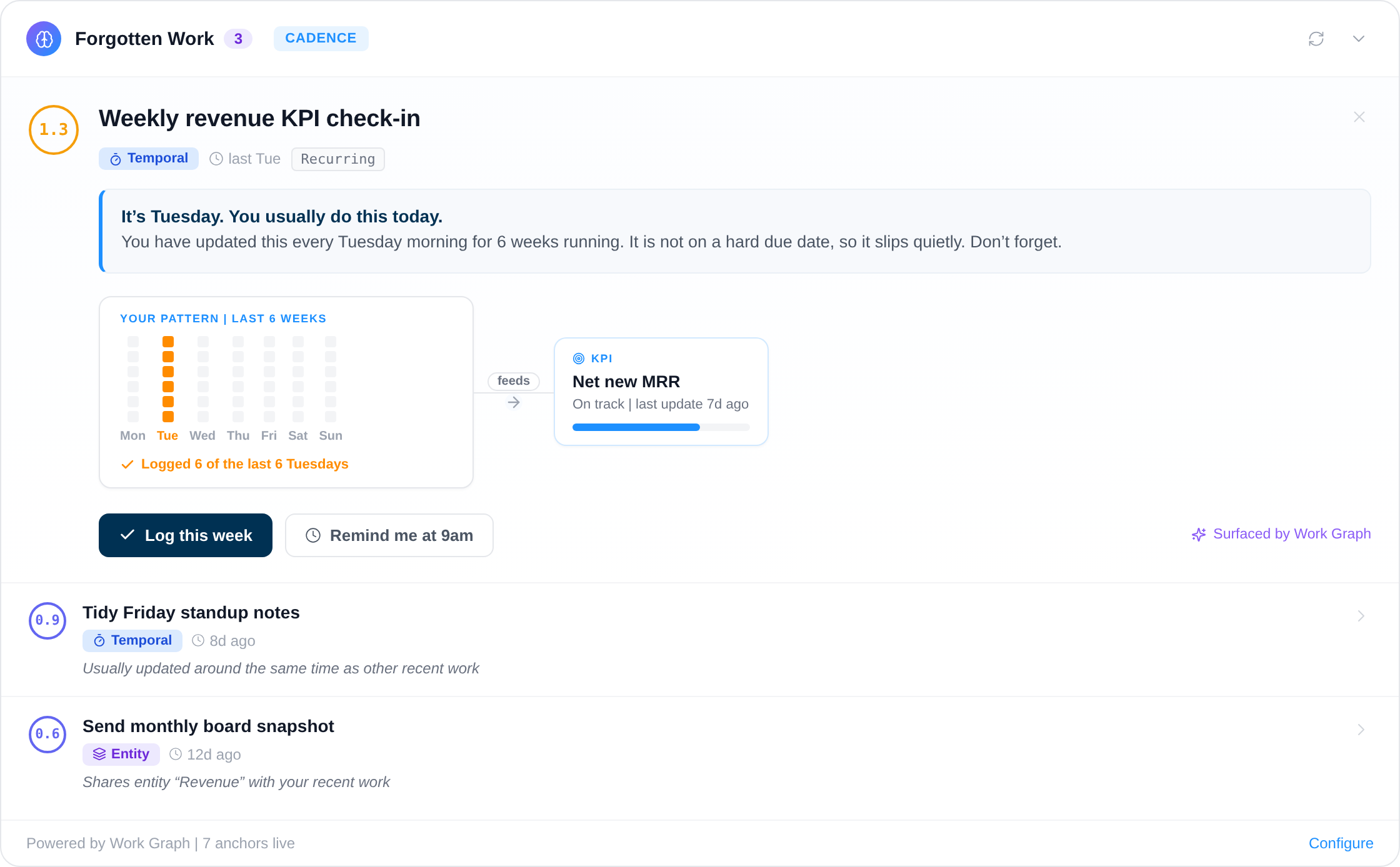
A fast-moving issue tracker is not proof that the strategy is moving.
Linear teams ship. The problem is rarely idleness, it is substitution: the cycle keeps refilling with urgent issues that have nothing to do with the quarter's target, and nobody sees the swap happen. The board stays busy, the team stays fast, and the objective quietly gets a handful of issues instead of the scope it needed.
Because Vindaris holds each issue individually rather than a rolled-up percentage, it can compare movement on an objective against what the KPI needs and tell you which goals are being starved. Add the comment threads and you also get the reason, early enough to act on it in week three instead of explaining it in week twelve.
Where to go next
Linear and Vindaris, answered
What can I scope a Linear connection to?
A connection reads the issues assigned to the connecting user, one or more selected teams, or the entire workspace. You can run several connections at once, which is the usual setup when different teams own different objectives.
Will Vindaris change my Linear workflow?
No. Vindaris moves an issue only when someone completes or updates the linked item in Vindaris, and it maps to whatever workflow states your team already has. Your states, teams, and permissions stay exactly as they are.
How does Vindaris handle custom Linear workflow states?
Linear states are read by their underlying type, so In Review, Blocked, or any custom state maps to a Vindaris status without renaming anything. When Vindaris writes a state back, it picks the matching state on that issue's team.
Do Linear comments sync?
Yes. Issue comments are read as context, up to two hundred per issue, so the reasoning on a stalled issue is available to risk detection and in reviews. A note written in Vindaris is posted back onto the issue as a comment.
See which objectives your Linear cycles are actually feeding.
Connect Linear in a couple of minutes. Free forever for goal management, two integrations included.
Connect Linear freeNo credit card | No migration | Nobody leaves Linear
