Turning meeting transcripts into action
Paste or ingest a transcript, let the AI extract signals, then confirm each one to update tasks and KPIs.
Good fit if decisions and updates happen in meetings and then die in a recording nobody rewatches.
A meeting is full of state changes ("that's done", "I'm blocked on X", "let's set the target to 90") that almost never make it back into the tools. Vindaris analyzes a transcript, extracts those as reviewable signals, and lets you apply them with a click.
- Open Settings → Transcripts and click "Ingest Transcript".Pick the source (Zoom, Teams, Google Meet, Fireflies, Otter, Granola or manual), set the meeting date, and paste the transcript text.
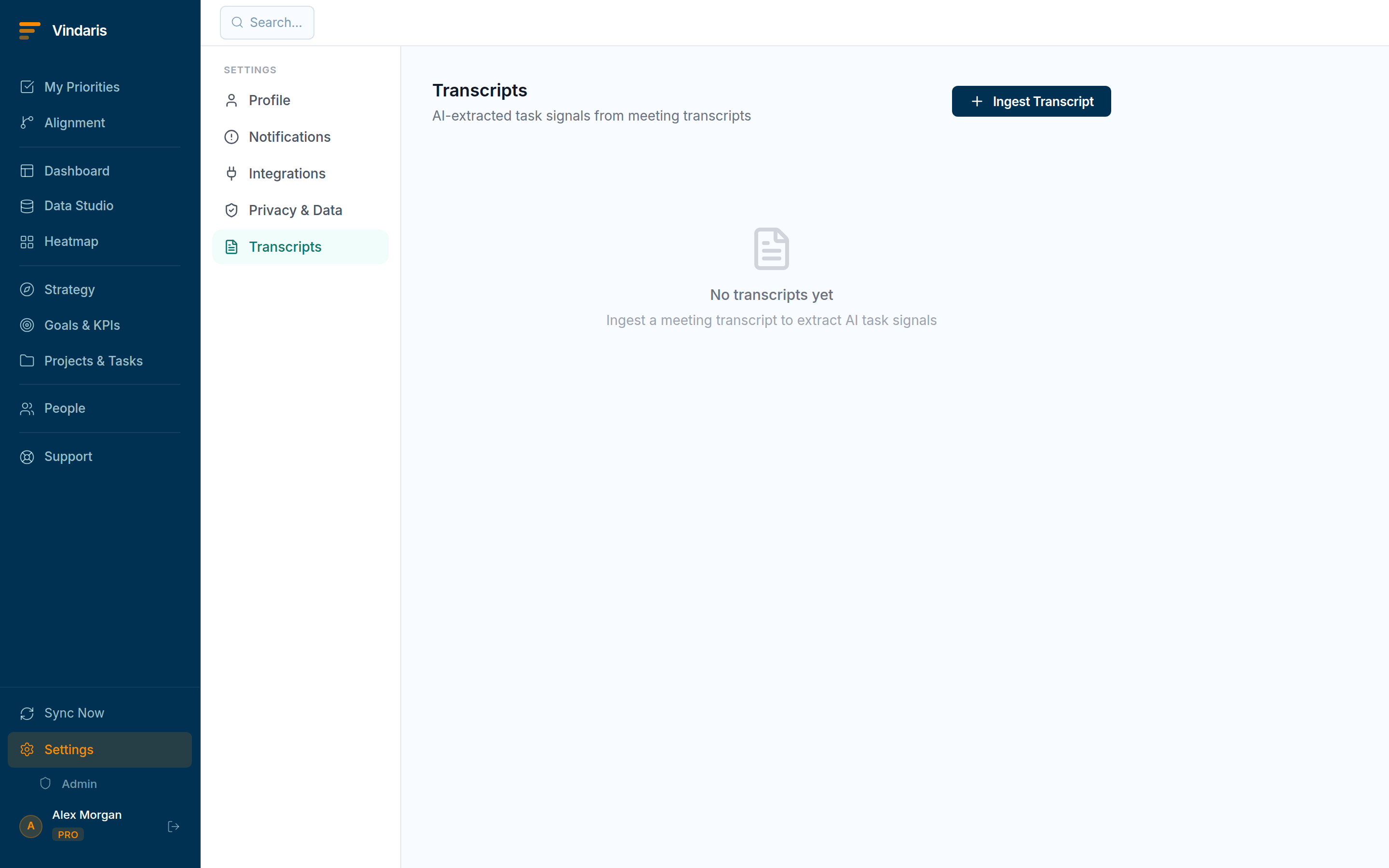
Transcripts: extracted signals, each with a confidence score. - Click "Ingest & Extract" and let the AI process it.Processing runs in the background; the transcript moves from Pending to Complete and a signal count appears.
- Open the transcript to review its signals.Each signal has a type (Completed, Blocked, New task, Reassigned, KPI update), a confidence score, the speaker, and the exact quote it came from. It is matched to an existing task or KPI where possible.
- Act on each signal.Confirm to apply it (mark a task done or blocked, create a new task, or set a KPI value), or dismiss it. Confirmed actions are written with an audit trail back to the quote.
Transcription is imperfect and meetings are messy: "I think we could close that" is not the same as "that's closed". Flagging each change as a signal with its confidence and the verbatim quote lets you apply the certain ones in a click and catch the model's mistakes before they rewrite your board. The quote is the receipt: you can always see exactly what was said.
If a signal could not find its task or KPI, link the work up first, then use "Re-analyze" on the transcript to let the AI match again. You will get more confirmable signals on the second pass.
On the Connect plan you can connect Fireflies, Otter or Granola in Settings → Transcripts. Each one pulls your latest transcript or note in automatically after a meeting and extracts its signals, so you only open Vindaris to confirm them. Manual paste is always available on any plan.
When teams reach for this
You paste or ingest a meeting transcript, and Vindaris analyzes it and extracts signals: action items, decisions and status updates. You confirm each signal before it applies, so tasks and KPIs update from the meeting without anything acting on its own.
Who it helps
Vindaris fits the Chief of Staff, PM and team leads who run meetings, and anyone owning the follow-ups. It suits scale-ups and mid-market companies, roughly 30 to 500 people, where meeting decisions need to become tracked work.
Why it helps
At that size meetings generate decisions and updates that live and die in a recording no one plays back. Vindaris analyzes a transcript and extracts the signals, so the action items become tasks and KPI updates instead of being lost.
In practice
- Pull action items out of the meeting automatically. Vindaris analyzes the transcript and extracts the action items and updates, so you do not comb the recording for who agreed to what. The meeting turns into tracked work rather than a file nobody opens.ExampleAfter a planning call the transcript yields six action items, and the Chief of Staff confirms five into tasks in a couple of minutes.
- Review each signal before it applies. Because you confirm each extracted signal before it updates a task or KPI, the meeting cannot quietly change your data. You stay in control of what the transcript is allowed to touch.ExampleThe AI proposes closing a task from a mention in the call, the PM sees it was only discussed, and rejects it so the status stays accurate.
- Skip the paste with a meeting tool. Connect Fireflies, Otter or Granola and the transcript ingests on its own, so the extraction happens without copying anything in. The path from meeting to tracked work runs with no manual step.ExampleA team connects Fireflies, and each recorded sync shows up as a set of proposed action items ready to confirm.
Vindaris maps your strategy, goals and KPIs down to every project and task, and the Work Graph flags execution risk wherever effort has drifted from the goal, with task-level context down to the Slack thread.
Put this into practice
Vindaris keeps strategy, goals, projects and tasks in one place, and the Work Graph flags execution risk before it costs you. Start free, no credit card.
Sign Up for Free