Creating a new project
Spin up a project, point it at the goal it serves, and run the work on its Kanban board.
Good fit if a goal needs a real initiative behind it and you want one place to run that work.
A project is the bridge between a goal and the daily tasks that deliver it. It gives a body of work a name, an owner, a target date and a board to run it on, and, crucially, a link to the goal it exists to move.
Create the project
- Open Projects and click "New project" above the project list.
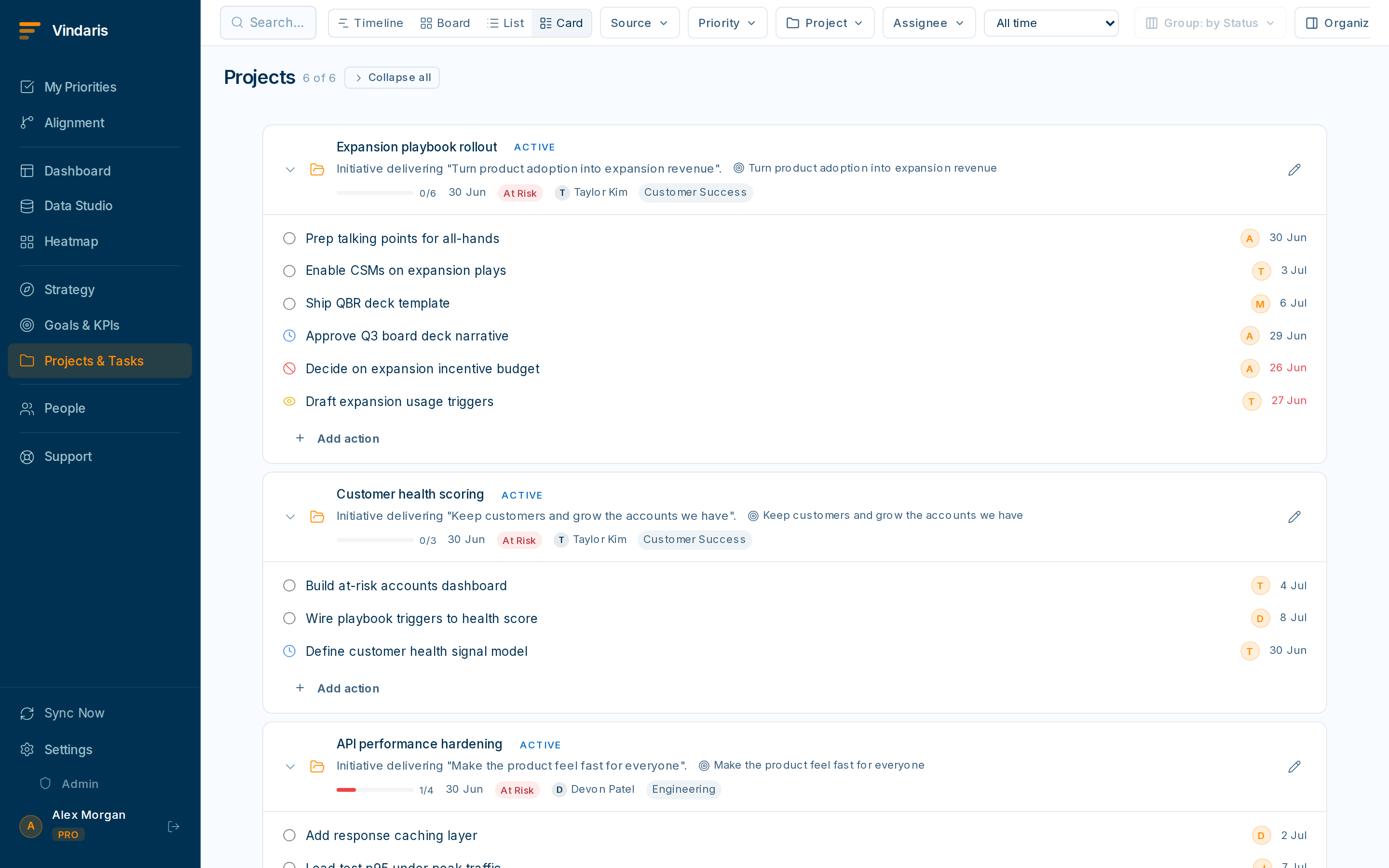
Projects carry an owner, a status and a target date. - Set a name, description, owner, status and target date.The description is worth a sentence on the outcome: it helps the AI suggest the right goal to link to.
- Link the project to the goal it serves.This is the step people skip and regret. A linked project shows up under its goal in the Alignment view; an unlinked one floats, invisible to the strategy story.
Run the work on the board
- Open the project to reach its Kanban board.Default columns are Backlog, In Progress, In Review and Done. Admins can add, rename or reorder columns in Column Management.
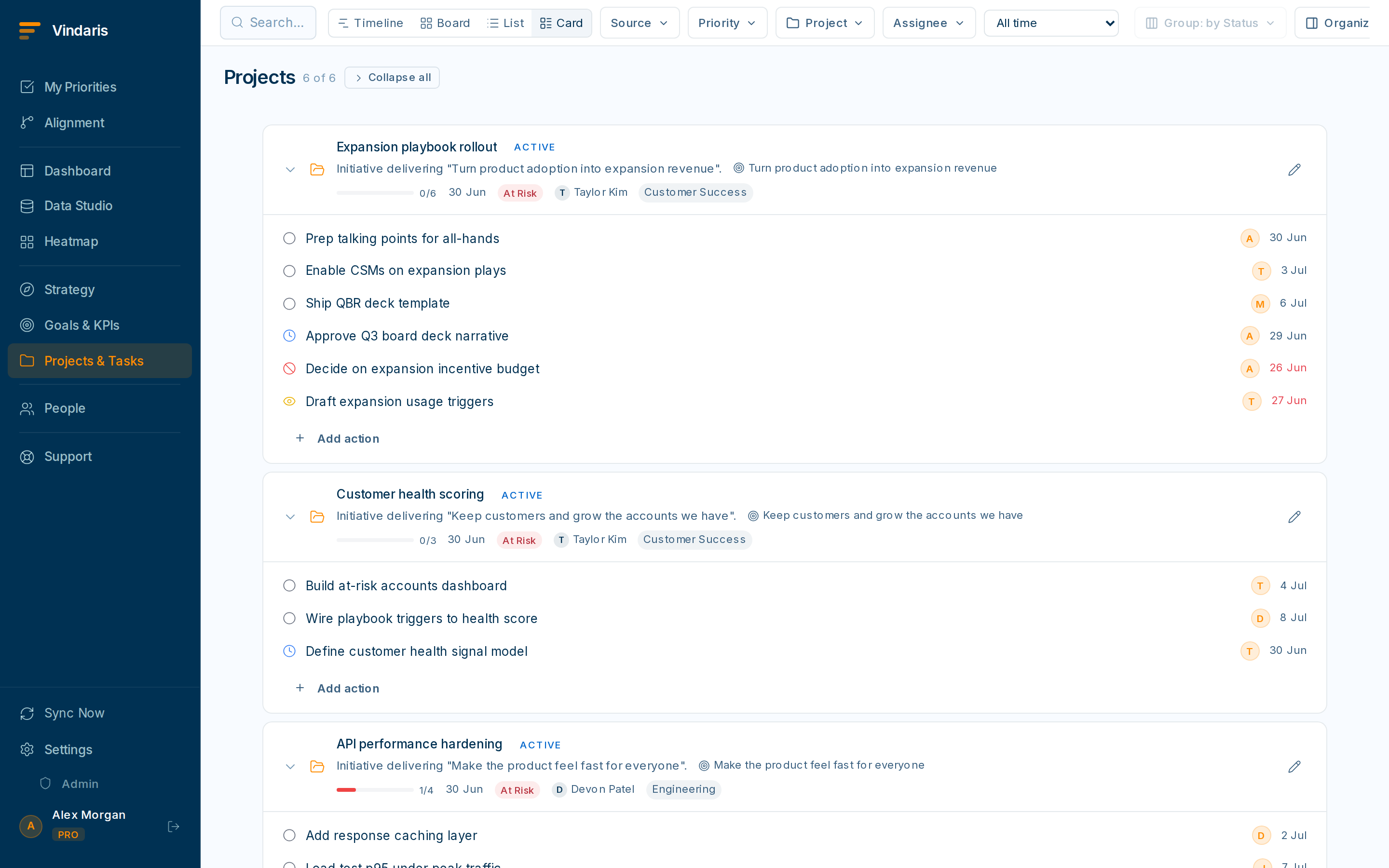
Drag cards between columns to update status instantly. - Add tasks directly on the board, or pull existing tasks into the project.Drag cards between columns to change status. It syncs to everyone immediately.
- Use the filter bar to focus the board by assignee, priority, label or date.Combine filters for a precise view, e.g. "my high-priority cards due this week".
Goals are about the outcome and should stay readable. Projects absorb the operational detail (dozens of tasks, a board, a target date) so the goal stays a clean statement of intent while the work still rolls up underneath it.
When a project is done, archive it. Archived projects and their tasks stay searchable for history and QBRs but drop out of active views, keeping your workspace clean.
When teams reach for this
A project is an initiative that sits under a goal and holds the work on its own Kanban board. Pointing the project at the goal it serves is what lets its task-level progress roll up, and what lets Vindaris flag a project that has gone quiet against a goal that still needs it.
Who it helps
Vindaris fits the project lead, PM or team lead who runs an initiative, and the goal owner who needs to see it moving. It suits scale-ups and mid-market companies, roughly 30 to 500 people, where several projects run under each goal across different teams.
Why it helps
At that size a goal with loose tasks scattered around it gives no one a place to run the actual work, so progress is hard to see and easy to lose. A project groups the work under the goal it serves, so effort and outcome stay connected and the Work Graph can tell when the project stalls.
In practice
- Point the initiative at the goal it serves. Linking a project to its goal means the board's progress rolls up to the goal, so the people watching the goal see the initiative move without a status update. The connection is what turns activity into evidence.ExampleA PM creates the 'Self-serve onboarding' project under the activation goal, so every card moved on the board nudges the goal the exec team is watching.
- Run the work on the board. The project's Kanban board is where the day-to-day happens, with cards moving across columns as work progresses, so the team works in one place and the roll-up stays current. The board holds the work and the goal holds the score.ExampleA team runs its sprint on the project board, and by Friday the goal above it shows the week's progress without anyone writing a report.
- Archive finished work instead of deleting it. Completed projects archive rather than delete, so the work stays searchable and still counts in a quarter-in-review. Nothing you did disappears from the record when the initiative ends.ExampleA team lead archives the launched project at quarter end, and it still appears in the QBR as part of what the goal achieved.
Vindaris maps your strategy, goals and KPIs down to every project and task, and the Work Graph flags execution risk wherever effort has drifted from the goal, with task-level context down to the Slack thread.
Put this into practice
Vindaris keeps strategy, goals, projects and tasks in one place, and the Work Graph flags execution risk before it costs you. Start free, no credit card.
Sign Up for Free