Working the task board
Switch Projects to Board view, group cards the way you think, drag them between columns, and tune the columns themselves.
Good fit if you think in columns and want to drag work across a board instead of reading a list.
The board is the same work as the Projects list, shown as cards you move with your hands. It is the right view when status is the thing you are managing: what is queued, what is in flight, what is stuck.
- Open Projects and switch the view selector to "Board".The other modes (Timeline, List, Card) share the same data; your last choice is remembered.
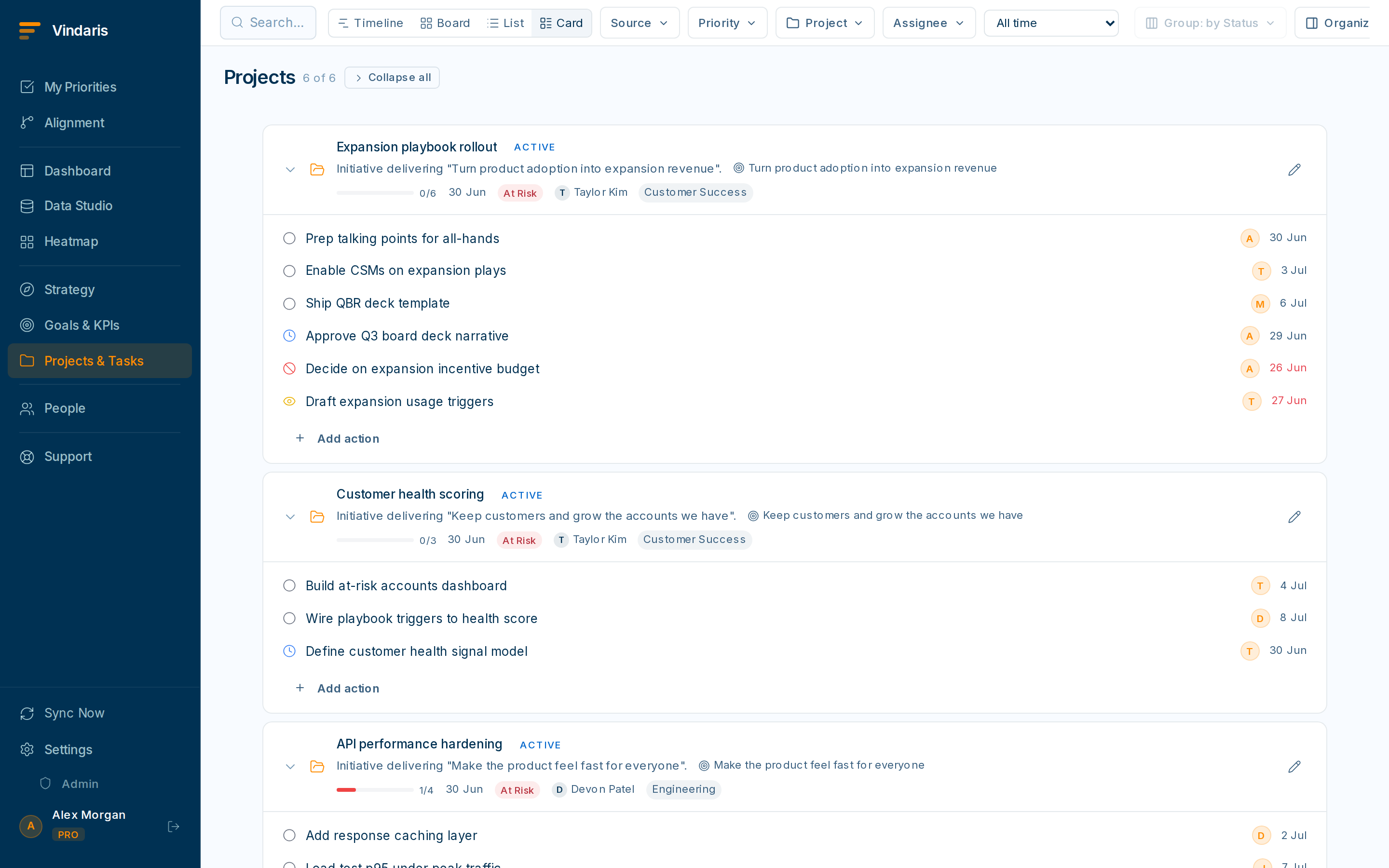
Board view, grouped by status. - Drag a card from one column to another to change its status.Drag-and-drop only moves cards when you are grouped by Status. Other groupings are read-only views of the same cards.
- Use "Group by" to re-slice the board: Status, Priority, Source, Assignee or Project.Grouping by Source shows where work came from (Slack, Jira, HubSpot…); grouping by Assignee shows each person's column plus an Unassigned lane.
- Click "+ Add task" at the bottom of any column to drop in new work without leaving the board.
Click "Columns" to rename, reorder and set a work-in-progress limit per column. When a column goes over its limit the header turns amber and shows e.g. "6/5", a visible signal that work is piling up in one stage faster than it is leaving.
Cards that arrived from a connected tool (a starred Slack message, a synced Jira issue) keep a badge showing where they came from. It is there so you never lose the provenance of a task: you can always trace a card back to the conversation or system that created it, and changes can sync back the other way.
When teams reach for this
Board view lays your project's tasks out as cards in columns you control, grouped the way your team works. Drag a card to move it between stages, set work-in-progress limits on a column, and a source badge marks any card that is synced from a connected tool.
Who it helps
Vindaris fits the project lead running delivery, the team that works in a Kanban flow, and the manager who wants to see where work is piling up. It suits scale-ups and mid-market companies, roughly 30 to 500 people and multi-team, where projects move through stages and a list view hides where things stall.
Why it helps
A list tells you what exists; a board tells you where it is stuck. At team scale the bottleneck is usually one column filling up, and Board view makes that pile-up obvious so a stage over capacity flags a problem before it stalls the project.
In practice
- See where work is piling up. Group cards by stage and a column that keeps filling shows you the bottleneck while there is still time to clear it. Set a work-in-progress limit and the board flags when a stage is over capacity, so the team pulls work through instead of starting more.ExampleThe In review column climbs to eight cards against a limit of four, so the lead reassigns reviewers before delivery slips.
- Group the board the way your team thinks. Group by status, owner or priority depending on the conversation you are having, so the same tasks rearrange into the view that answers the question in front of you. The grouping is yours to change without touching the underlying work.ExampleFor a workload check the lead groups by owner and sees one person holding six active cards, then moves two to a teammate with room.
- Know which cards sync back to another tool. A source badge marks cards that are synced from Jira, Asana or another connected tool, so you know which cards update another system when you move them. Dragging a synced card to Done flows that change back to its source, so the board and the tool stay in step.ExampleA card with a Jira badge moves to Done on the board, and the linked Jira issue closes without anyone switching apps.
Vindaris maps your strategy, goals and KPIs down to every project and task, and the Work Graph flags execution risk wherever effort has drifted from the goal, with task-level context down to the Slack thread.
Put this into practice
Vindaris keeps strategy, goals, projects and tasks in one place, and the Work Graph flags execution risk before it costs you. Start free, no credit card.
Sign Up for Free