Resolving a sync conflict
Open the Sync Center, compare both versions side by side, and keep yours, take theirs, or merge field by field.
Good fit if a task changed in both Vindaris and a connected tool at once, and the two no longer agree.
When a task lives in both Vindaris and a connected system, the two can drift: someone edits the due date here while someone else changes the status there. Rather than silently picking a winner, Vindaris stops and asks you, in the Sync Center.
- Open Sync Center from the sidebar.The "Active Conflicts" section lists each disagreement with the task title, the source system, and when it was detected. A green "No active conflicts" card means everything is consistent.
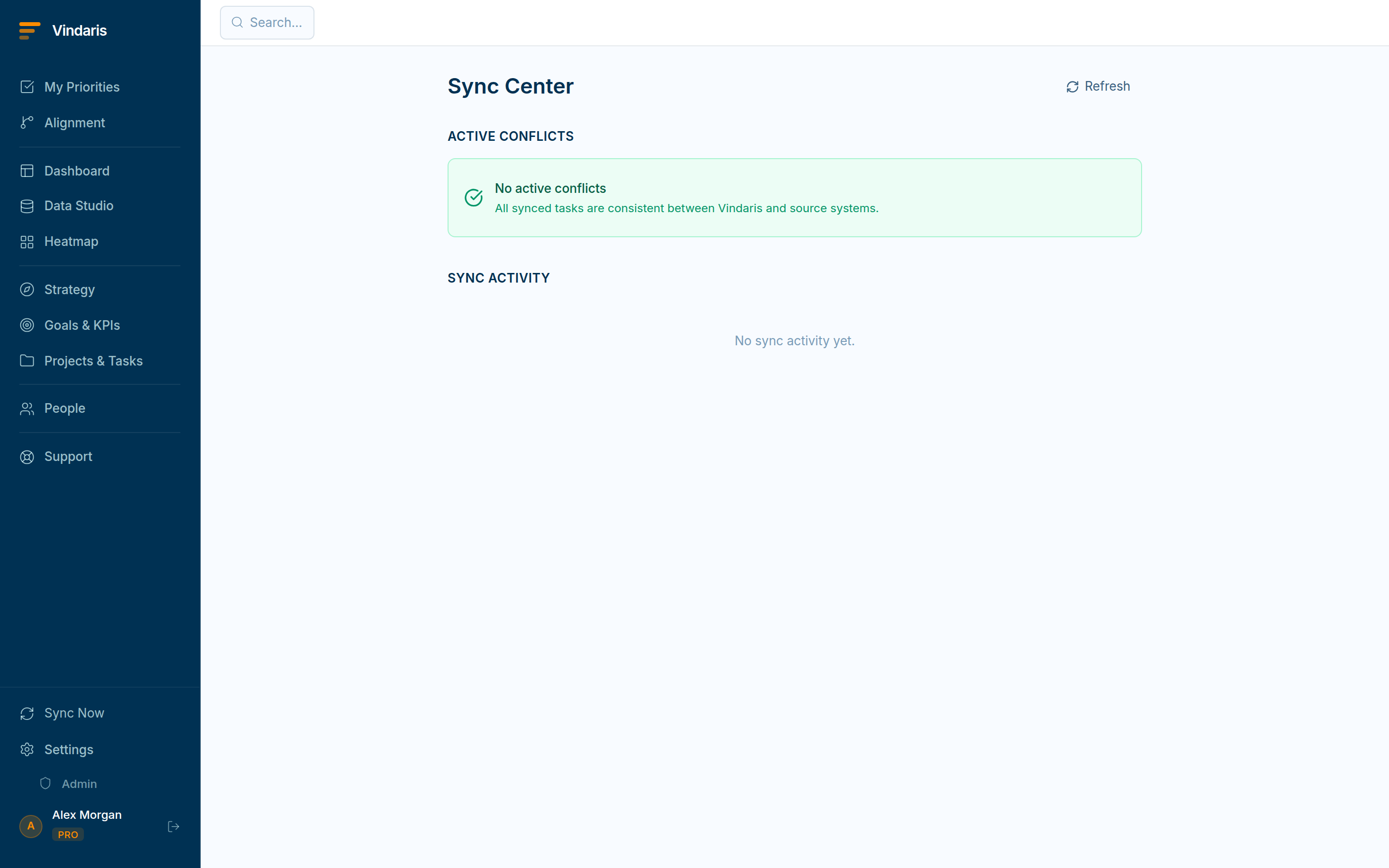
Sync Center: conflicts with a one-click Resolve. - Click "Resolve" on a conflict to compare the two versions.Your version ("Vindaris: yours") sits on the left, the source ("Jira: theirs", etc.) on the right. Differing fields (title, status, priority, due date, description) are highlighted in amber.
- Choose how to resolve: "Keep mine", "Use theirs", or "Merge".Keep mine / Use theirs apply one side wholesale. Merge lets you pick the winning version field by field.
- In Merge, select a source per differing field, then confirm.The result writes back both to Vindaris and to the connected system, so the two are consistent again.
"Newest wins" quietly destroys work: the older edit might be the correct one, made by the person who actually owns the task. Flagging the conflict costs you a few seconds but guarantees no change is lost without a human deciding. The Sync Activity feed below the conflicts shows every inbound and outbound sync so you can see exactly what moved and when.
When teams reach for this
When a task is edited in Vindaris and in a connected tool before they sync, the Sync Center flags that the two versions disagree. It shows them side by side so you can keep yours, take theirs, or merge the fields one by one.
Who it helps
Vindaris fits the project lead and the ops or admin owner of an integration, plus anyone whose tasks sync with Jira, Asana or another tool. It suits scale-ups and mid-market companies, roughly 30 to 500 people and multi-team, where the same work is edited in more than one tool and a silent overwrite would quietly lose someone's change.
Why it helps
When two tools hold the same task and both get edited, taking the newest edit silently would drop whichever change lost the race, and no one would know. The Sync Center flags the disagreement and shows both versions, so a person decides what is correct and nothing is lost without a choice.
In practice
- Compare both versions before anything is lost. The Sync Center puts the Vindaris version and the connected tool's version side by side, field by field, so you see exactly what each one changed. You decide per field rather than accepting a whole record you have not checked.ExampleA task's due date changed in Jira while its owner changed in Vindaris. The Sync Center shows both, and you keep the new owner and take the new date in one pass.
- Keep, take, or merge field by field. Resolve a conflict by keeping your version, taking the connected tool's, or merging specific fields, so the final task carries the right value in every field. The resolution syncs back, so both systems end up in step.ExampleThe description is better in Vindaris but the status is newer in Asana, so you merge: keep the description, take the status, and both tools match.
- Catch conflicts instead of discovering them later. Because Vindaris asks rather than silently overwriting, a conflict surfaces as a flag to resolve instead of a change that vanished. The team trusts the sync, because an edit never disappears without someone choosing to drop it.ExampleAn owner notices a conflict flag the morning after two people edited the same task, resolves it in a click, and the lost-edit confusion never starts.
Vindaris maps your strategy, goals and KPIs down to every project and task, and the Work Graph flags execution risk wherever effort has drifted from the goal, with task-level context down to the Slack thread.
Put this into practice
Vindaris keeps strategy, goals, projects and tasks in one place, and the Work Graph flags execution risk before it costs you. Start free, no credit card.
Sign Up for Free