Your first week: setting up the workspace
Invite people, set reporting lines, connect your tools and seed the first goals, in the right order.
Good fit if you are the admin rolling Vindaris out to a team and want the right order of operations.
A rollout goes smoothly when you set up the container before you fill it. Do these four steps in order and the workspace will feel alive, not empty, the first time your team logs in.
Step 1: Invite your team
- Go to Admin → Team Management and click "Invite member".
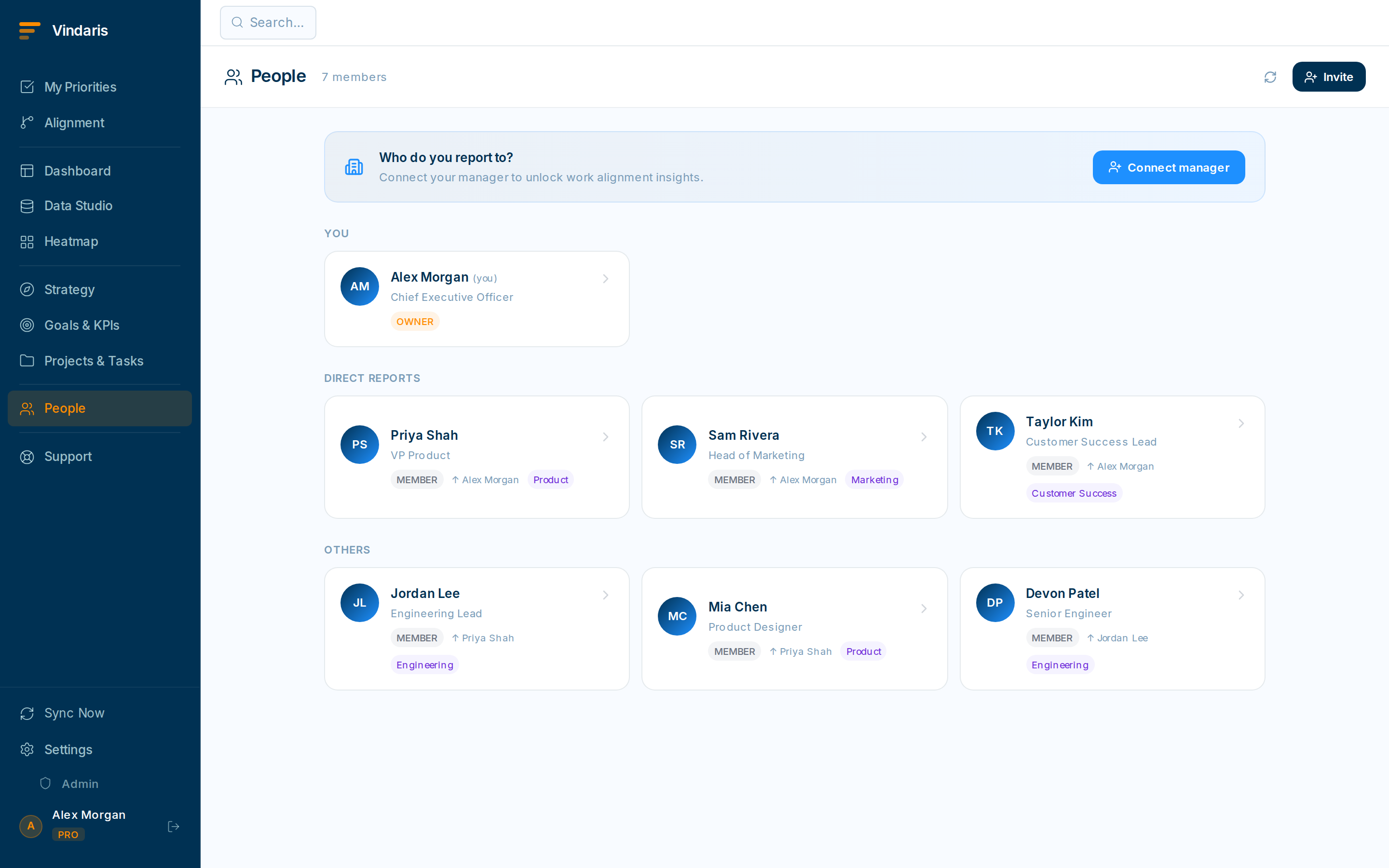
Admin → Team Management is where people and roles live. - Enter email addresses and pick a role for each: Owner, Admin, or Member.Owners control billing and can delete the org. Admins manage settings, integrations and permissions. Members create and edit goals, projects and tasks. You can change any role later.
- Send the invites.Each person gets a secure email link that expires after 7 days. You can resend or revoke from the invites list at any time.
Vindaris enforces tenant isolation and least-privilege access because your strategic data is sensitive. Roles keep billing and org-wide settings in trusted hands while still letting every Member do the daily work. Finer-grained control lives in Admin → Permissions if you need it.
Step 2: Set reporting lines
Telling Vindaris who reports to whom is what gives managers roll-up visibility: they automatically see their reports' goals and progress, and the Org Chart draws itself.
- In Admin → Team Management, open a person and set their Manager.Changes take effect immediately.
- Visit People → Org Chart to confirm the hierarchy looks right.
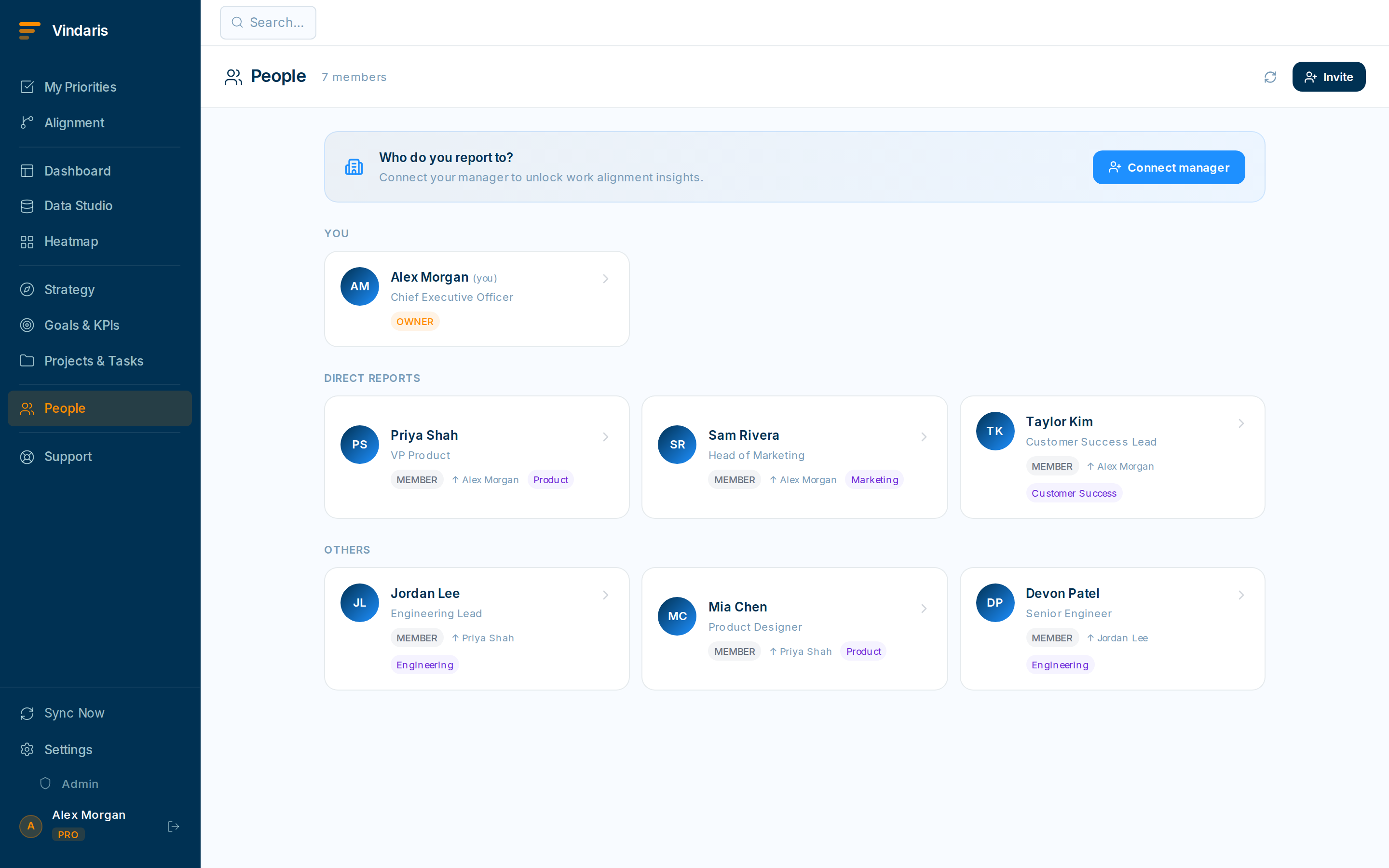
The Org Chart is generated from each person's Manager field.
Step 3: Connect your tools
- Open Settings → Integrations.Connect Slack so updates reach your channels, and Google Tasks or Microsoft To-Do for two-way task sync so nobody double-enters work.
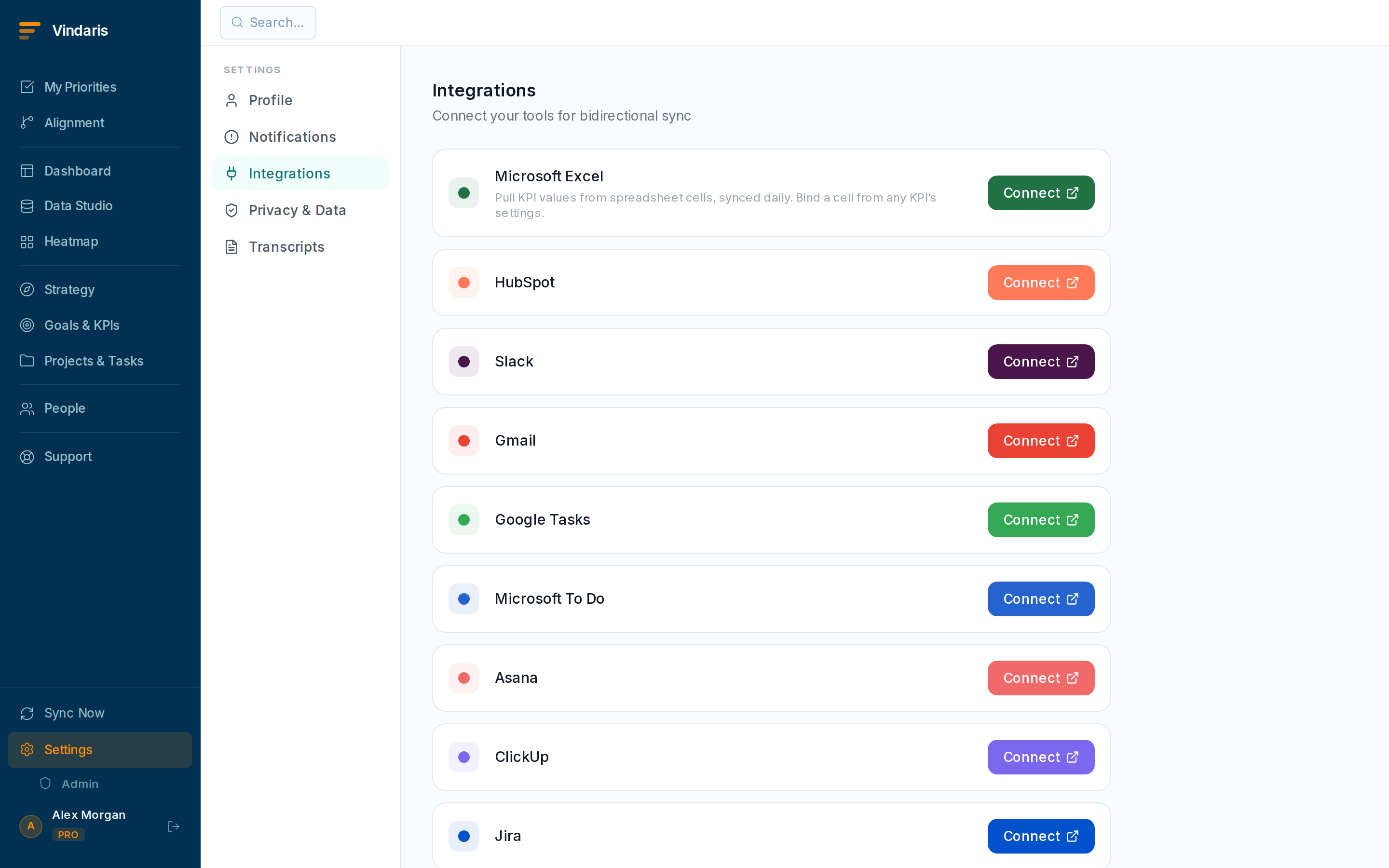
Each integration authenticates independently. - Authenticate each integration you want.You can start with just Slack and add the rest later: integrations are independent.
Step 4: Seed the first goals
Create two or three goals that matter this quarter before the team arrives, so they land in a workspace that already reflects reality. Follow "Creating goals and key results" for the details.
The single biggest predictor of adoption is whether new members see their own work and their team's goals on day one. Spend twenty minutes seeding real content and the tool sells itself.
When teams reach for this
The first week sets up the frame the Work Graph runs on: people and their roles, who reports to whom, the tools that feed work in, and the first goals under each strategy. Each step makes the next one land, so order matters.
Who it helps
Vindaris fits the admin running the rollout, usually a Chief of Staff, ops lead or PMO, and the leadership whose goals seed the workspace. It suits scale-ups and mid-market companies, roughly 30 to 500 people, where several teams and reporting lines have to be set up before the work maps cleanly.
Why it helps
At that size a rollout that skips structure leaves goals with no owners and tasks with no home, so the map is wrong before anyone trusts it. Doing invites, reporting lines, integrations and the first goals in order makes the workspace reflect how the company actually runs from day one.
In practice
- Invite people with the role that fits. Roles decide who can edit goals, run their team's work or just view, so setting them at invite time keeps the workspace from turning into a free-for-all. The right access from the start is easier than clawing it back later.ExampleAn admin invites the leadership team as editors and the wider org as members, so strategy stays owned by a few while everyone can log their own tasks.
- Set reporting lines so work rolls up correctly. Reporting lines tell Vindaris how teams nest, which is what makes a team's progress roll into the goal above it and lets a manager see their org's work in one place. Without them the roll-ups are flat.ExampleA COO sets the four department heads under themselves and each team under its head, so the company dashboard sums the way the org chart does.
- Seed the first goals so the workspace is not empty. Connect the tools that already hold the work, then seed a goal or two under each strategy, so people arrive to a map with their work already in it. A workspace that is not empty gets used.ExampleAn ops lead connects Jira and Slack, seeds three goals for the quarter, and the engineering team's existing tasks show up linked on their first login.
Vindaris maps your strategy, goals and KPIs down to every project and task, and the Work Graph flags execution risk wherever effort has drifted from the goal, with task-level context down to the Slack thread.
Put this into practice
Vindaris keeps strategy, goals, projects and tasks in one place, and the Work Graph flags execution risk before it costs you. Start free, no credit card.
Sign Up for Free