 HubSpot
Pipeline numbers and sales tasks, both feeding the same goal.
HubSpot is the only connection that does both jobs at once. CRM tasks sync two ways with notes as comments, and any object in the CRM can feed a KPI through a live count, sum, or average, so the revenue target updates itself.
Free forever | Two integrations included | Your team keeps working in HubSpot
The work the team is doing and the number it is supposed to move.
Revenue goals fail in a specific way: the metric is visible and the activity behind it is not, or the reverse. Because HubSpot holds both, one connection can put the pipeline number and the sales work on the same graph.
Tasks sync bidirectionally with status, due dates, subject, and body, so sales work counts toward goals without anyone leaving HubSpot.
Notes associated with a task come across as comments and updates from Vindaris post back as notes, with outbound entries marked so they never re-import as duplicates.
Point a KPI at a HubSpot object and choose COUNT, SUM, or AVERAGE. Closed won amount, deals created, average deal size, all of it reads live from the CRM.
Aggregates accept filters, so a KPI can track one pipeline, one stage, one owner, or one segment rather than the whole database.
KPI values are recorded as updates on a daily job, which builds the history the Work Graph needs to judge pace against the target.
Because tasks and metrics arrive from the same system, Vindaris can compare the activity against the number instead of guessing at the relationship.
Authorize once, then wire tasks and KPIs separately.
The two halves of the integration are configured independently. Many teams start with the KPI feed, because it removes a recurring manual update immediately.
Connect through OAuth from the integrations screen. Tokens are encrypted per organization and refreshed automatically.
In the KPI settings, choose the object, the aggregation, the property, and any filters. Vindaris validates the query and shows the current value.
Confirm which sales tasks support which objectives so activity and outcome sit on the same node of the graph.
With the number updating daily and the work mapped, the Work Graph flags a revenue goal that cannot reach its target at the current rate.
Revenue KPIs that update without a Monday export.
The pipeline number comes straight from a live CRM aggregate, so the weekly commercial review starts from the CRM rather than from a spreadsheet someone rebuilt on Sunday.
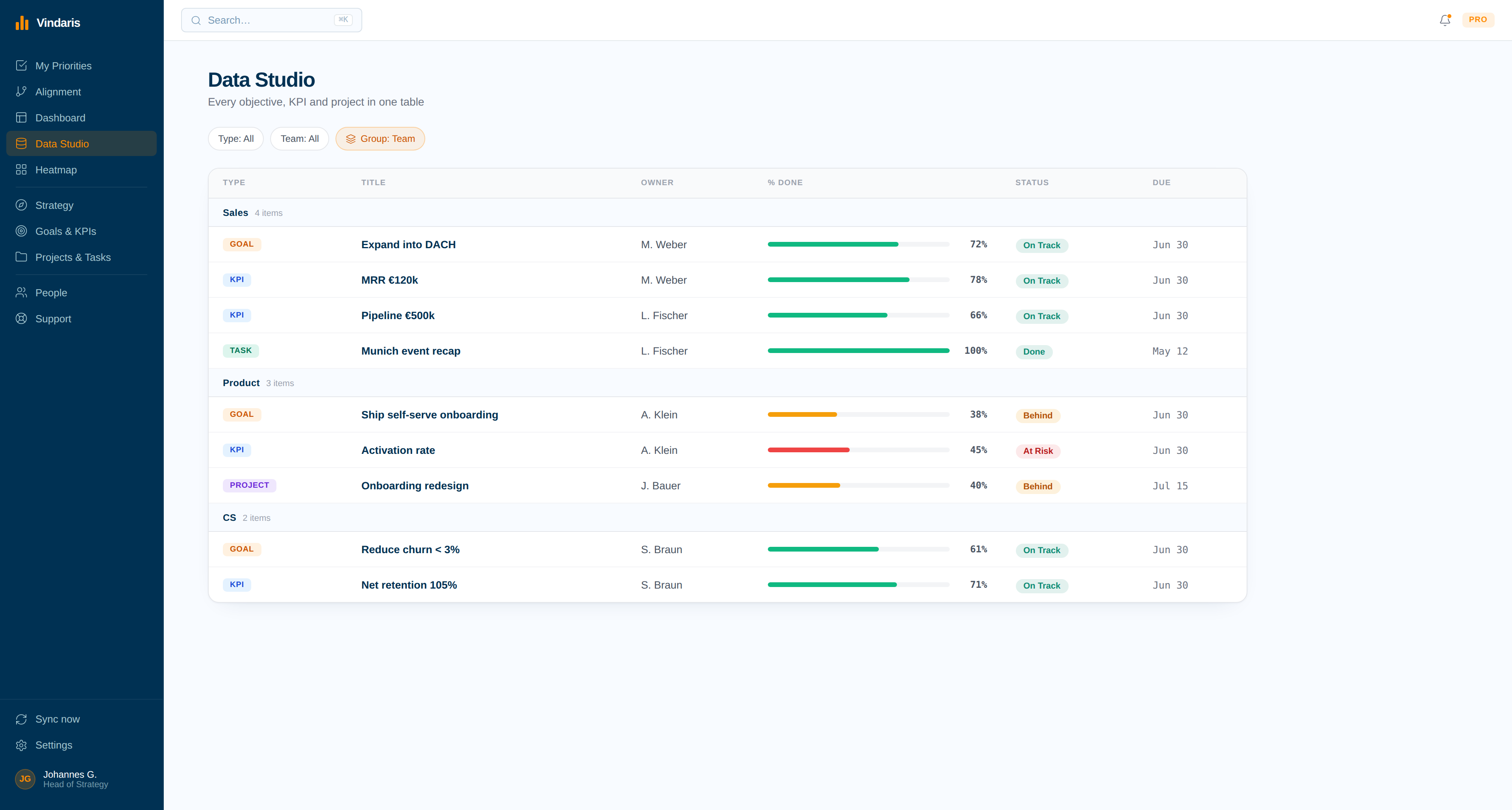
When the number cannot get there from here.
Pace analysis compares the KPI's trajectory against its target date and raises the goal the moment the required run rate stops being plausible.
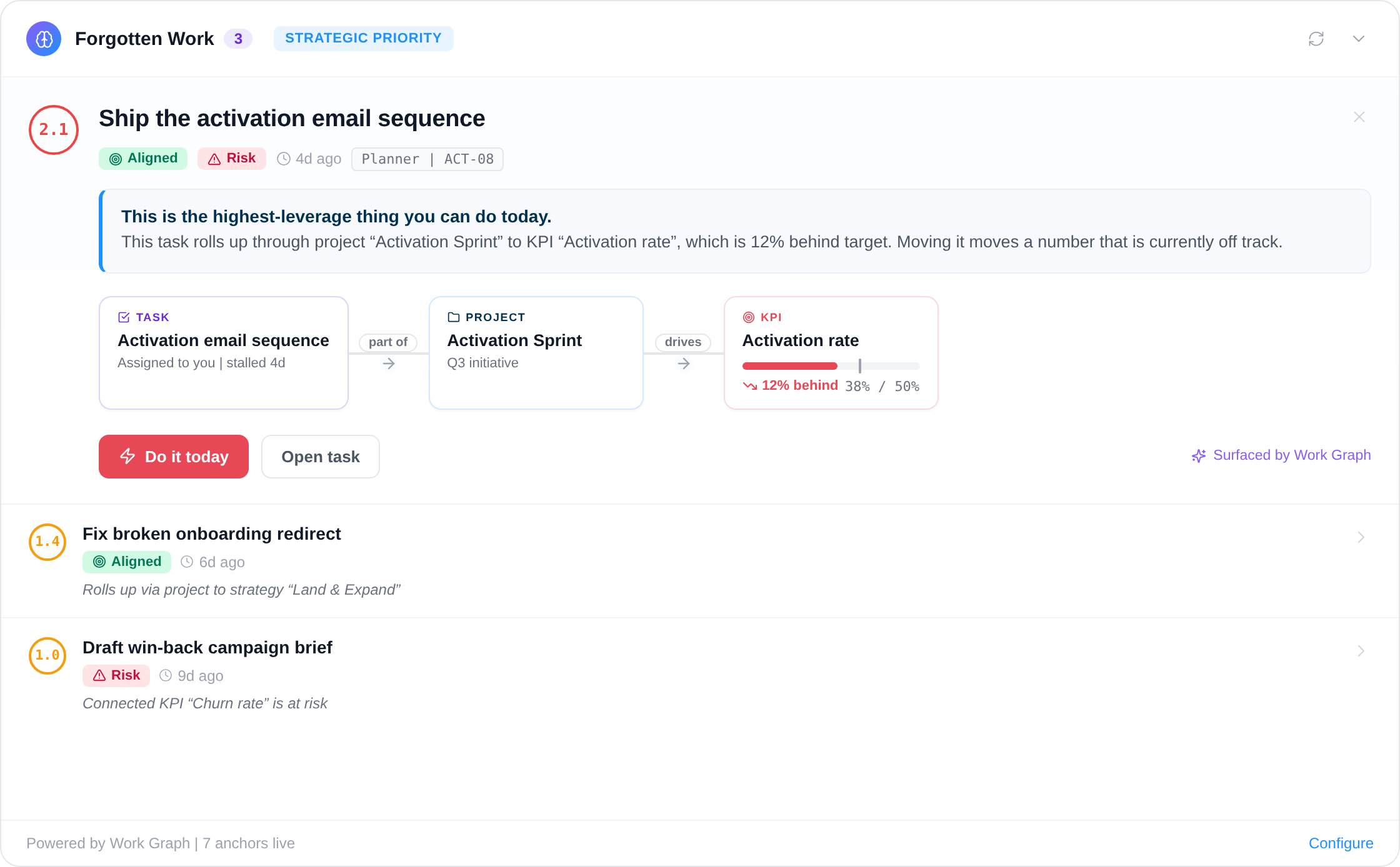
The pipeline report and the strategy deck disagree, and both are current.
Commercial teams live in HubSpot and leadership lives in a plan, and the two are reconciled by hand every month by someone who exports a report and types numbers into a deck. The reconciliation is slow, it happens after the fact, and its main product is a discussion about whose figure is right.
Connecting HubSpot removes the step. The KPI is the aggregate, recomputed daily, with history. The sales activity is mapped to the same goals. When the number stops pacing to the target, the alert arrives with the work behind it attached, which turns the monthly reconciliation meeting into a decision about what to change.
Where to go next
HubSpot and Vindaris, answered
Which HubSpot objects can feed a KPI?
Any object your account can search, using COUNT, SUM, or AVERAGE with filters. Closed won amount, deals created in a stage, average deal size, and contact counts are the common ones.
How often do HubSpot KPI values update?
A daily job runs each bound aggregate and records the result as a KPI update, which builds the history the Work Graph needs to judge whether the target is still reachable.
Do HubSpot notes sync as comments?
Yes. Notes associated with a task come in as comments, and updates written in Vindaris are posted back as notes. Outbound entries are marked so they are never re-imported as duplicates on the next sync.
Can I use only the KPI half of the integration?
Yes. Task sync and KPI feeds are configured separately. Many teams start with KPI aggregates because it removes a recurring manual update on day one, then add task sync later.
Put the revenue number and the sales work on one graph.
Connect HubSpot in a couple of minutes. Free forever for goal management, two integrations included.
Connect HubSpot freeNo credit card | No migration | Nobody leaves HubSpot
