 Jira
Jira
Jira issues, connected to the objectives they are supposed to move.
Vindaris pulls your open Jira issues, their status transitions, their story points, and the comment threads on them, then maps each one to a goal or KPI. Velocity can look healthy while the objective behind it gets nothing. That gap is what the Work Graph reports.
Free forever | Two integrations included | Your team keeps working in Jira
The ticket, the points on it, and the argument underneath it.
Most goal tools take a percentage out of Jira and stop there. Vindaris keeps the issue as an object in the Work Graph, with the weight and the discussion attached, because that is where the early signal of a slipping objective lives.
Vindaris queries issues assigned to the connected user that have not reached the Done status category, ordered by last update. Your archive stays where it is.
Point your Jira story points field at Vindaris once and effort gets weighed properly. Six one-point chores and one thirteen-point epic stop counting the same.
A transition in Jira updates the linked work in Vindaris, and closing it in Vindaris transitions the Jira issue back. Per-project status mappings handle non-standard workflows.
Issue comments come across as plain text, flattened out of Atlassian document format, so the Work Graph can read what the team is actually discussing on a stalling ticket.
Editing the description on either side updates the other, and Vindaris appends a small watermark linking the issue back to the goal it serves.
Point the connection at one project or leave it open across everything the user can see. Useful when only one squad is on the objective.
Authorize once, pick the project, confirm the mapping.
No Forge app to install, no Jira admin project to run. The connection is user-level OAuth against Jira Cloud.
Sign in through Atlassian OAuth from the integrations screen. Vindaris stores the tokens encrypted and refreshes them on its own.
Choose the project the objective depends on, or leave it open. Set your story points custom field here if your instance uses a non-default one.
Vindaris suggests which issues belong to which goal from labels, owners, and project structure. Confirm the ones that are right.
From then on, progress and risk on that goal are read from issue movement. When the tickets behind an objective stop transitioning, the goal is flagged.
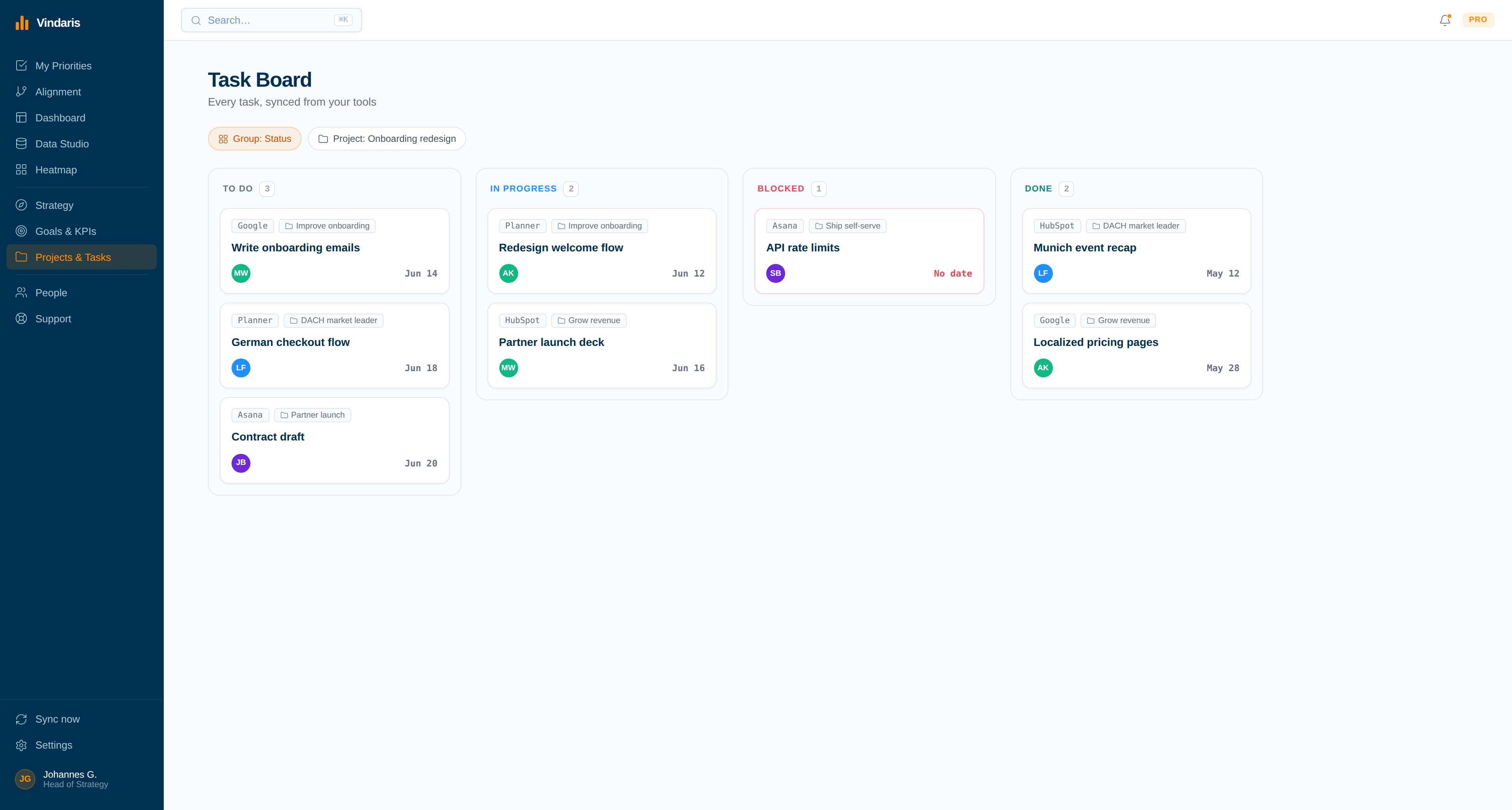
Jira issues sitting under the goal they belong to.
Every synced issue carries a Jira source tag and lives beneath the objective it advances, so you can see how much of the sprint is actually pointed at the quarter's target.
The objective nobody is working on.
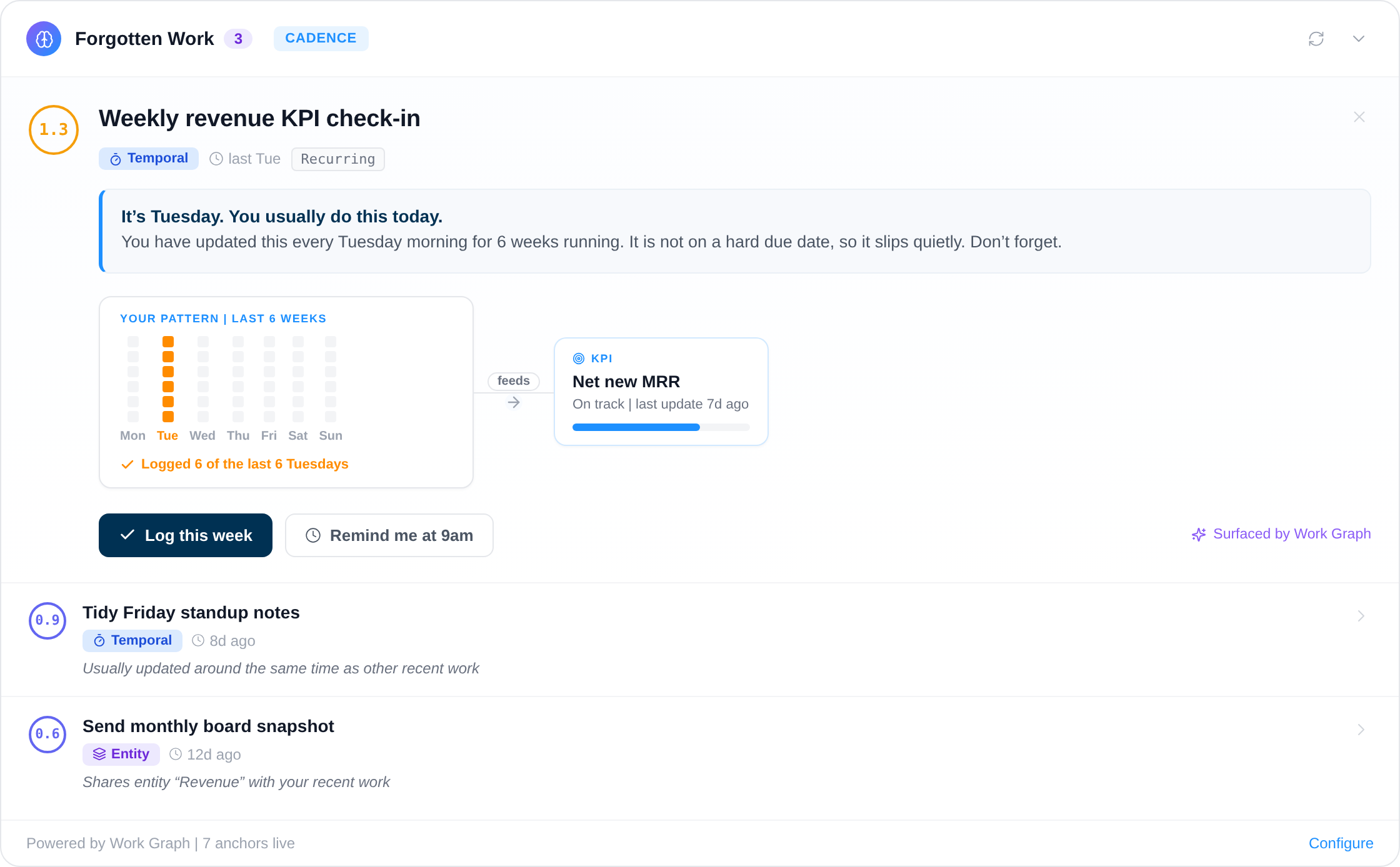
The Work Graph compares issue movement against what the KPI needs. A goal with two open tickets and no transitions in three weeks gets flagged while the quarter can still be saved.
A full sprint board is not proof that the strategy is moving.
Engineering teams rarely miss objectives because they are idle. They miss them because the backlog keeps refilling with urgent work that has nothing to do with the quarter's target, and nobody can see the substitution happening. Burndown looks normal. Velocity holds. The objective quietly gets three tickets instead of thirty.
Because Vindaris holds each issue individually rather than a rolled-up percentage, it can weigh story points against what the KPI needs and tell you which objectives are being starved. Add the comment threads on those issues and you also get the reason: a blocked dependency, a spec argument, a ticket that has been reassigned four times. That is a conversation you can have in week three instead of a postmortem in week twelve.
Where to go next
Jira and Vindaris, answered
Does the Jira integration work with Jira Server or Data Center?
The integration authenticates through Atlassian OAuth 2.0 against Jira Cloud. Server and Data Center instances are not supported today, since the connection relies on the Atlassian cloud API gateway.
Will Vindaris change my Jira workflow?
No. Vindaris transitions issues only when someone completes or updates the linked item in Vindaris, and it maps to whatever statuses your project already has. Your workflow, screens, and permissions stay exactly as they are.
How does Vindaris handle custom Jira statuses?
Each connection carries its own status mapping, so a project running In Review, Blocked, and Shipped maps those to Vindaris states without renaming anything in Jira. Reverse mappings control what Vindaris writes back on completion.
Do story points affect goal progress?
Yes, when you set your story points field on the connection. Vindaris then weighs issues by points instead of counting tickets, which makes progress on an objective reflect the size of the work rather than the number of rows.
See which objectives your sprints are actually feeding.
Connect Jira in a couple of minutes. Free forever for goal management, two integrations included.
Connect Jira freeNo credit card | No migration | Nobody leaves Jira
