 Microsoft Excel
Bind a KPI to a cell, and the spreadsheet stops being a manual step.
Plenty of real business metrics live in one spreadsheet that one person maintains. Vindaris reads the cell you point it at from OneDrive and records the value daily, which keeps the strategy board current without asking anyone to change how they work.
Free forever | Two integrations included | Your team keeps working in Microsoft Excel
The spreadsheet stays. The retyping stops.
There is usually a good reason a metric lives in Excel, and replacing the spreadsheet is not the job. Reading it automatically is, because the failure mode is not the file, it is the person who has to remember to copy the number.
Choose a workbook from OneDrive, then a worksheet, then the cell that holds the number. Vindaris reads that cell and nothing else.
Values stored as text, with currency symbols, thousands separators, or percentage signs are parsed into a usable number rather than rejected.
The value is read once when you bind it, so you can confirm Vindaris sees the same figure you do before trusting the KPI.
A scheduled job records the value each day, which turns a static cell into a trend the Work Graph can measure pace against.
The connection requests file read permission only. Vindaris never writes to your workbook or changes a formula.
Excel uses its own Microsoft consent, separate from the To Do integration, so the two connections cannot interfere with each other.
Sign in, pick the cell, confirm the number.
This connection exists to remove a recurring manual task, so it is deliberately the simplest one to set up.
Authorize read access to your OneDrive files. The consent is scoped to file reads and nothing more.
Select the workbook and worksheet holding the metric. Vindaris lists what your account can see.
Enter the cell reference and check that the value Vindaris reads matches the one on screen.
The KPI updates itself from then on, and the goal above it gets a real trend instead of a number entered before the review.
Spreadsheet metrics on the same board as everything else.
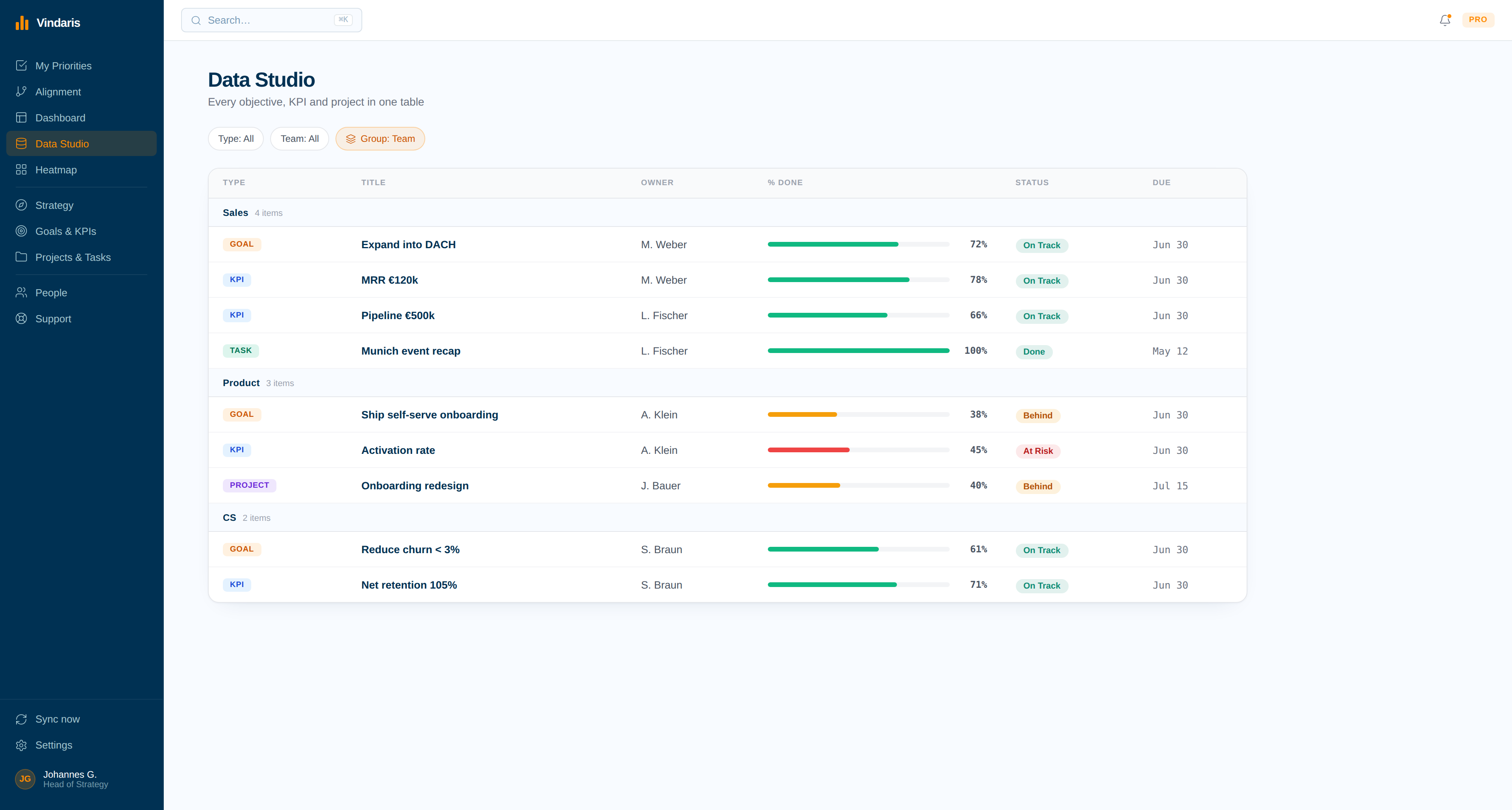
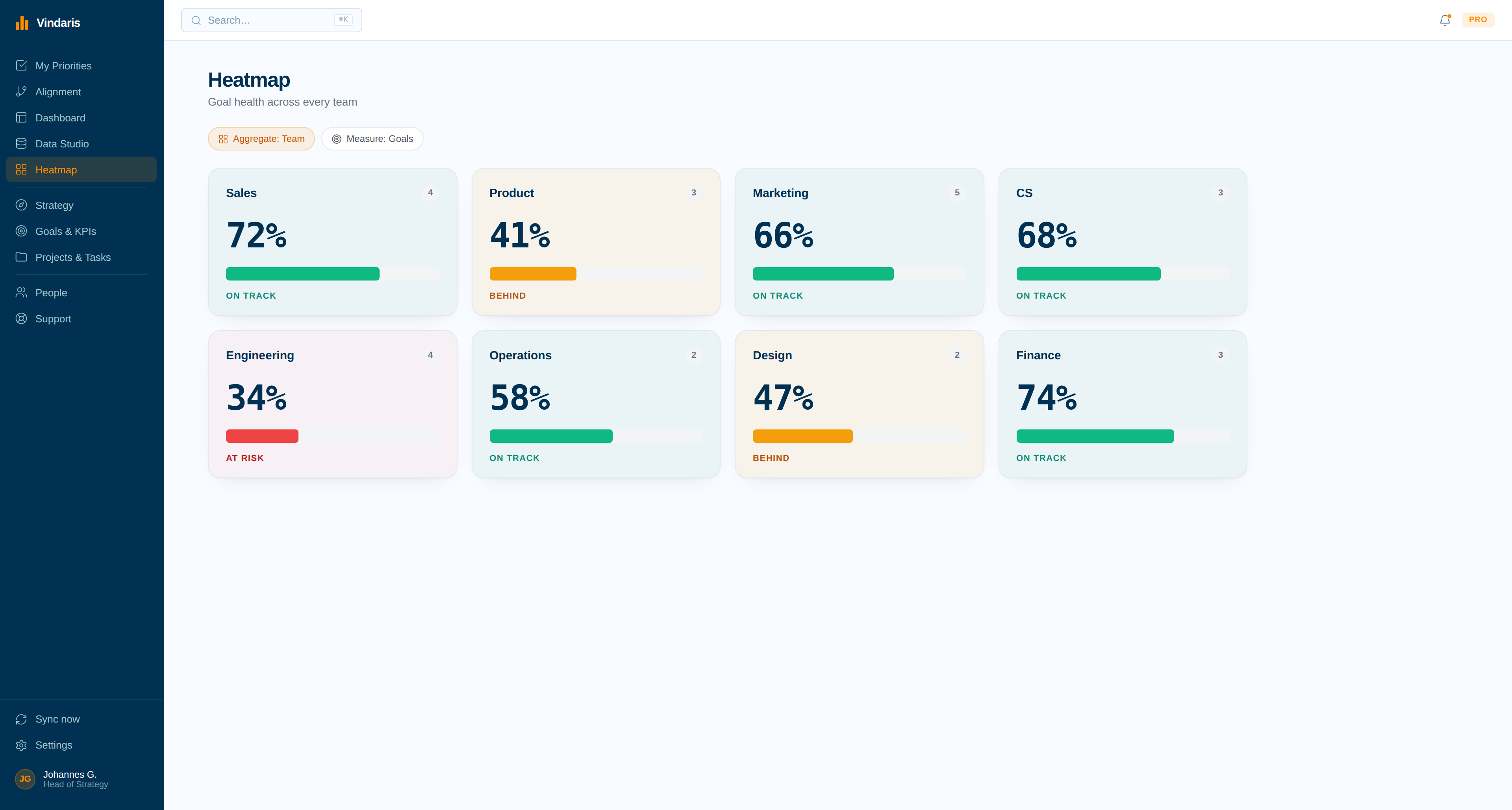
A KPI fed from Excel sits beside one fed from a CRM or a BI measure, reported the same way, so nobody has to explain which numbers are manual.
The metric that stopped being updated.
Because values are recorded daily, a spreadsheet that has gone stale becomes visible as a flat line, which is a useful early warning about ownership.
The most fragile part of most KPI dashboards is a person and a spreadsheet.
One analyst keeps the workbook. Once a month they open the strategy tool and type in the current figures. The process works until they take a holiday, change roles, or simply get busy, and then the dashboard keeps displaying last quarter's number with complete confidence.
Binding the cell removes the dependency without removing the spreadsheet. The number updates daily, the history builds on its own, and if the workbook itself stops being maintained that becomes visible as a flat trend rather than being hidden behind a value someone kept retyping out of habit.
Where to go next
Microsoft Excel and Vindaris, answered
Where does the workbook have to live?
In OneDrive, reachable by the Microsoft account you connect. Vindaris browses the workbooks that account can see and reads the single cell you bind to a KPI.
What if the value is formatted as text or currency?
It still works. Values carrying currency symbols, thousands separators, or percentage signs are parsed into a usable number rather than rejected, and you can verify what Vindaris read when you bind the cell.
Can Vindaris edit my spreadsheet?
No. The connection requests read access to files only. Nothing is written back, so no formula, format, or cell in your workbook is ever changed by Vindaris.
What happens if the spreadsheet stops being updated?
The daily reading continues and the KPI trend goes flat, which makes a neglected workbook visible instead of hiding behind a number someone kept retyping from memory.
Keep the spreadsheet. Drop the monthly copy-paste.
Connect Microsoft Excel in a couple of minutes. Free forever for goal management, two integrations included.
Connect Excel freeNo credit card | No migration | Nobody leaves Microsoft Excel
