Microsoft Planner
Two-way task sync
Vindaris reads your Microsoft Planner plans as progress on the goals above them.
Vindaris connects to a Planner plan through Microsoft Graph and syncs its tasks two ways, so the buckets your team already works in roll up to the objective they serve. Nobody keeps a second task list.
What Vindaris reads
The plan your team already runs, mapped to the objective it serves.
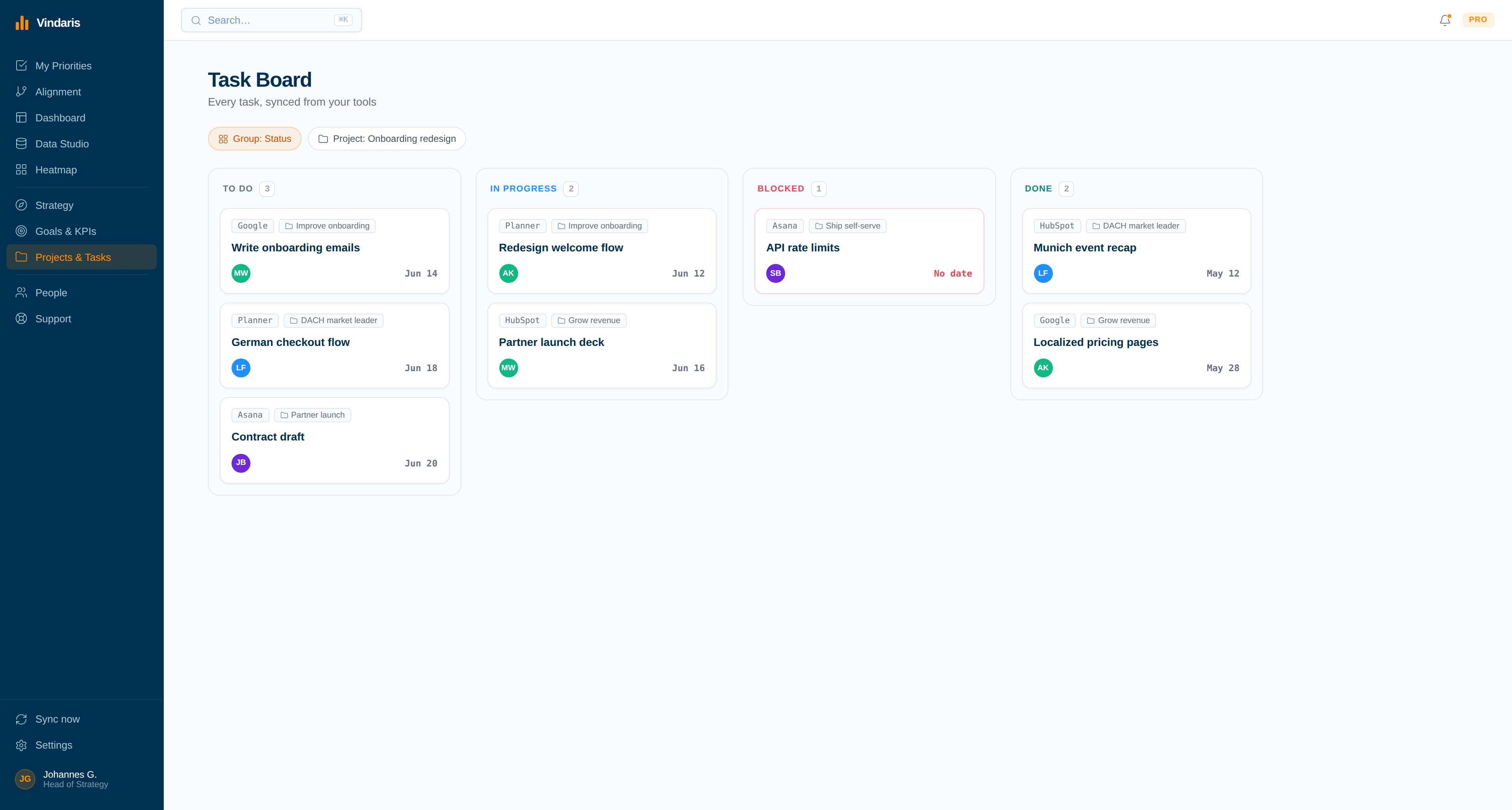
Planner organizes work into buckets and tasks, and it does that well. What it has never done is relate a plan to the goal it is meant to move, or say something when that goal stops getting attention. Vindaris adds exactly that, and your team keeps working in Planner.
One plan per connection
Each connection targets a single Planner plan, which keeps the mapping deliberate. Several plans can be connected for a goal that spans teams.
Status in both directions
Completing a Planner task updates the goal, and completing the linked item in Vindaris marks the Planner task done through Microsoft Graph.
Buckets and details as context
A task's bucket, due date, and details come across with it, so the structure the team built in Planner stays meaningful inside Vindaris.
Task comments
Comments on Planner tasks are read as the conversation around the work, feeding the same context layer that Jira comments and Slack threads feed.
A watermark back to the goal
Vindaris writes a short line into the task naming the goal it serves, so people working in Planner can see why the task exists.
Clear errors on account type
Planner is unavailable on personal Microsoft accounts. Vindaris blocks that at sign-in and explains it in plain language rather than surfacing a Graph error code.
How the connection works
Sign in with your work account, pick the plan, map the tasks.
The connection uses the Microsoft identity your organization already administers, so there is nothing separate for IT to provision.
01
Sign in with Microsoft
Authorize with a work or school account. Tokens are encrypted and refreshed automatically against Microsoft Graph.
02
Select the Planner plan
Choose the plan behind your team's Tasks tab. That plan's tasks become the work Vindaris tracks for the connected goals.
03
Map tasks to objectives
Confirm the suggested links between Planner tasks and goals so progress has something real underneath it.
04
Let progress derive itself
Goal progress follows task completion from there, and the Work Graph raises the objectives whose plan activity has dropped below what the target needs.
Why it matters
A tidy Planner board is not proof that the strategy is moving.
Planner is good at holding a team's work in buckets and keeping it tidy. What a plan cannot show is which objective it serves, or whether that objective has seen any real movement since the plan was created. Teams end up with several plans, each tidy on its own, and no way to tell from them whether the quarter is on track.
Vindaris adds that layer and leaves Planner alone. Each task maps to the goal it feeds, progress is derived from the tasks that actually moved, and pace is measured against the target date. When a plan's tasks stop moving while its objective's deadline approaches, Vindaris raises it as execution risk, early enough that the goal can still be met.
Keep the plan. Get an objective view it never produced.
Connect Microsoft Planner in a couple of minutes. Free forever for goal management, two integrations included.
Connect Planner free
No credit card | No migration | Nobody leaves Microsoft Planner