 Microsoft Teams
Planner tasks and goal alerts, inside the place work already happens.
Tasks by Planner and To Do is where a lot of Microsoft teams keep their work. Vindaris syncs a Planner plan two ways through Microsoft Graph and sends goal updates and risk alerts back into Teams, so the loop closes without anyone opening another tab.
Free forever | Two integrations included | Your team keeps working in Microsoft Teams
The plan your team already runs, plus the alerts they should not miss.
Vindaris connects to the Planner plan behind the Tasks app in Teams. Work keeps happening there, and Vindaris handles the part Planner has never done, which is relating that work to an objective and saying something when it drifts.
Each connection targets a single Planner plan, which keeps the mapping deliberate. Several plans can be connected for goals that span teams.
Completing a Planner task updates the goal, and completing the linked item in Vindaris marks the Planner task done through Graph.
Comments on Planner tasks are read as conversation around the work, feeding the same context layer that Slack threads and Jira comments feed.
Due dates, titles, and task details stay aligned across both tools, including a watermark naming the goal the task serves.
Goal changes, due check-ins, and Work Graph risk findings can be delivered into Teams, so the signal lands where the team is rather than in an inbox.
Planner is unavailable on personal Microsoft accounts. Vindaris blocks that at sign-in and explains it in plain language rather than surfacing a Graph error code.
Sign in with your work account, pick the plan, choose where alerts land.
The connection uses the same Microsoft identity your organization already administers, so there is nothing separate for IT to provision.
Authorize with a work or school account. Tokens are encrypted and refreshed automatically against Microsoft Graph.
Choose the plan behind your team's Tasks tab. That plan's tasks become the work Vindaris tracks for the connected goals.
Confirm the suggested links between Planner tasks and goals so progress has something real underneath it.
Decide which goal events reach Teams. Risk findings, check-in reminders, and goal updates can each be routed where the people who act on them work.
Planner work under the objective it serves.
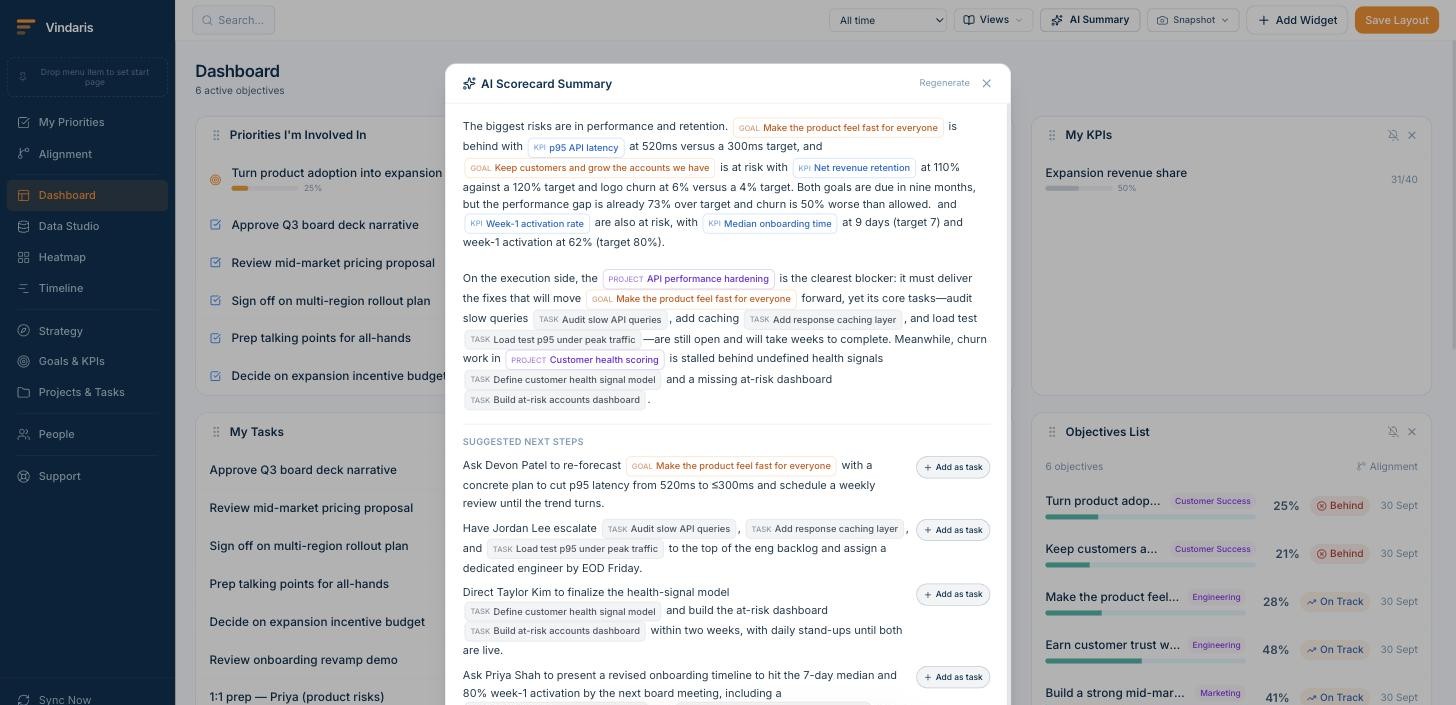
Synced tasks keep their Teams source tag and sit beneath the goal they feed, so the share of the plan pointed at the quarter is visible at a glance.
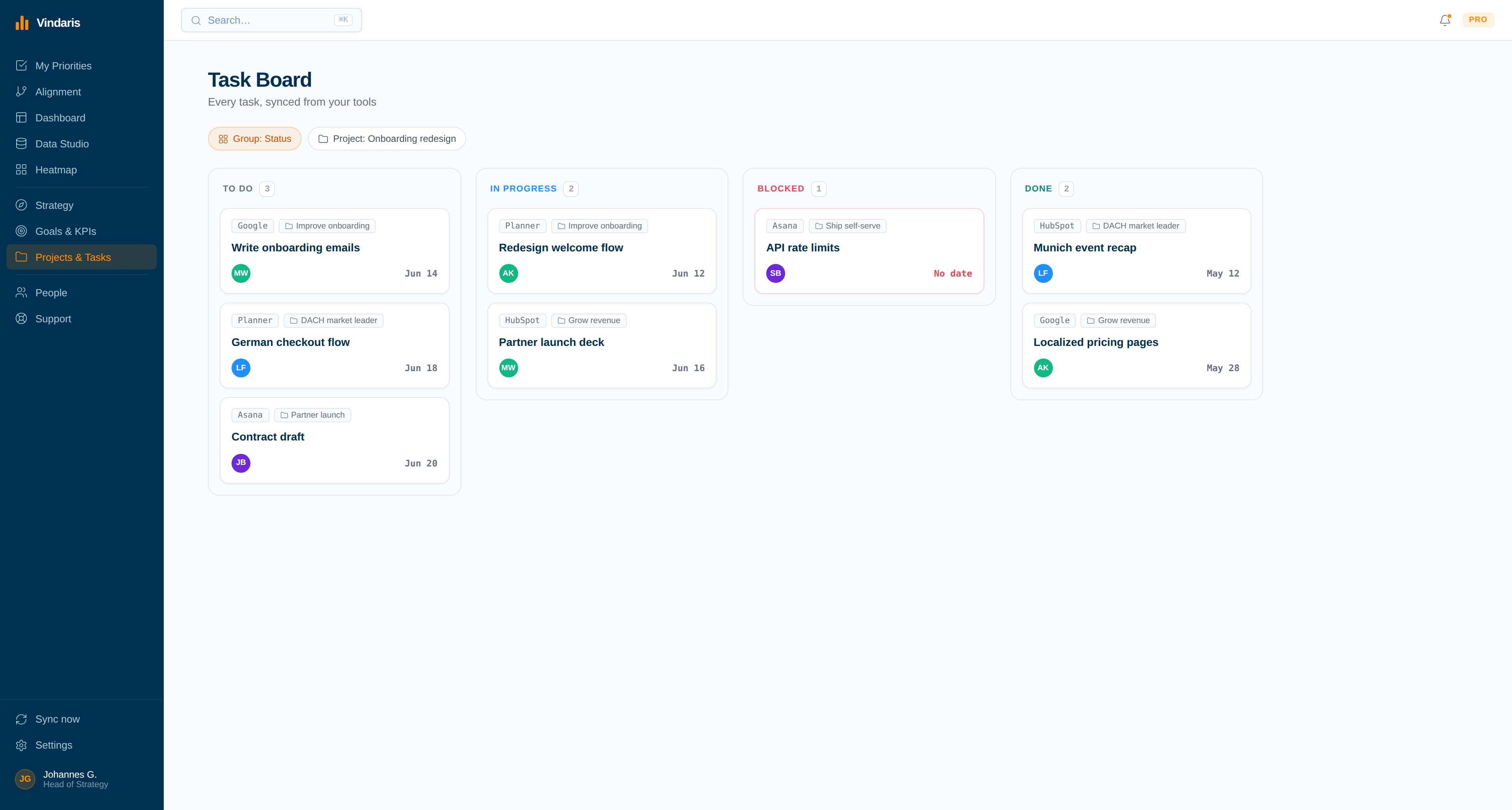
The weekly update, delivered into the channel.
Vindaris writes the progress narrative from real task and KPI movement and posts it to Teams, which replaces the status round nobody enjoyed.
Planner tracks tasks well. It has no opinion about the strategy.
Planner was built to organize a team's work into buckets, and it does that job. What it cannot do is tell you whether the bucket matters, or notice that the objective it was created for has had no activity since the second week of the quarter. That judgement has always been done manually, usually by someone reading several plans before a leadership meeting.
Vindaris does that reading continuously. Planner tasks connect to objectives, progress is derived from completions, and the Work Graph compares pace against what each KPI needs. When something falls behind, the alert arrives in the Teams channel where the team already talks, which is the difference between a warning that gets acted on and a dashboard nobody opened.
Where to go next
Microsoft Teams and Vindaris, answered
Which Teams tasks does Vindaris sync?
Tasks from the Planner plan behind the Tasks by Planner and To Do app. Each connection targets one plan, and several plans can be connected when a goal spans teams.
Does it work with a personal Microsoft account?
No. Planner is not available on personal Microsoft accounts such as Outlook.com or Hotmail, so the connection requires a work or school account. Vindaris blocks personal accounts at sign-in and says so plainly.
What notifications can Vindaris send into Teams?
Goal updates, due check-in reminders, and Work Graph risk findings. You choose which events go to which channel, so alerts land with the people who can act on them.
Does IT need to approve anything?
The connection uses standard Microsoft Graph OAuth against your existing tenant. Whether admin consent is required depends on your organization's consent policy for third-party applications.
Bring the goal into the channel where the work is discussed.
Connect Microsoft Teams in a couple of minutes. Free forever for goal management, two integrations included.
Connect Teams freeNo credit card | No migration | Nobody leaves Microsoft Teams
