OneDrive
Document context
Bind a folder to a goal, and its documents become quiet context.
Strategy decks and project plans that live in OneDrive carry context the plan never sees. Vindaris summarizes the documents in a folder you connect and uses them to inform the risk narratives and reviews for the goal and everything aligned under it.
What Vindaris reads
The folder holds the thinking the plan was built on.
A goal usually has a document behind it somewhere, a strategy deck, a one-pager, a planning doc, and that document is where the intent lives. Vindaris reads the folder you bind so that intent reaches the goal instead of sitting in a drive nobody opens during a review.
A folder, not your whole drive
You bind a specific OneDrive folder to a goal, project or strategy. Vindaris reads that folder and nothing else, so personal files stay out of scope.
Summaries, never the full text
Each document is reduced to a short summary of what it defines or decides. The summary is what informs the plan, so the file content is never copied into Vindaris wholesale.
Context flows down the alignment
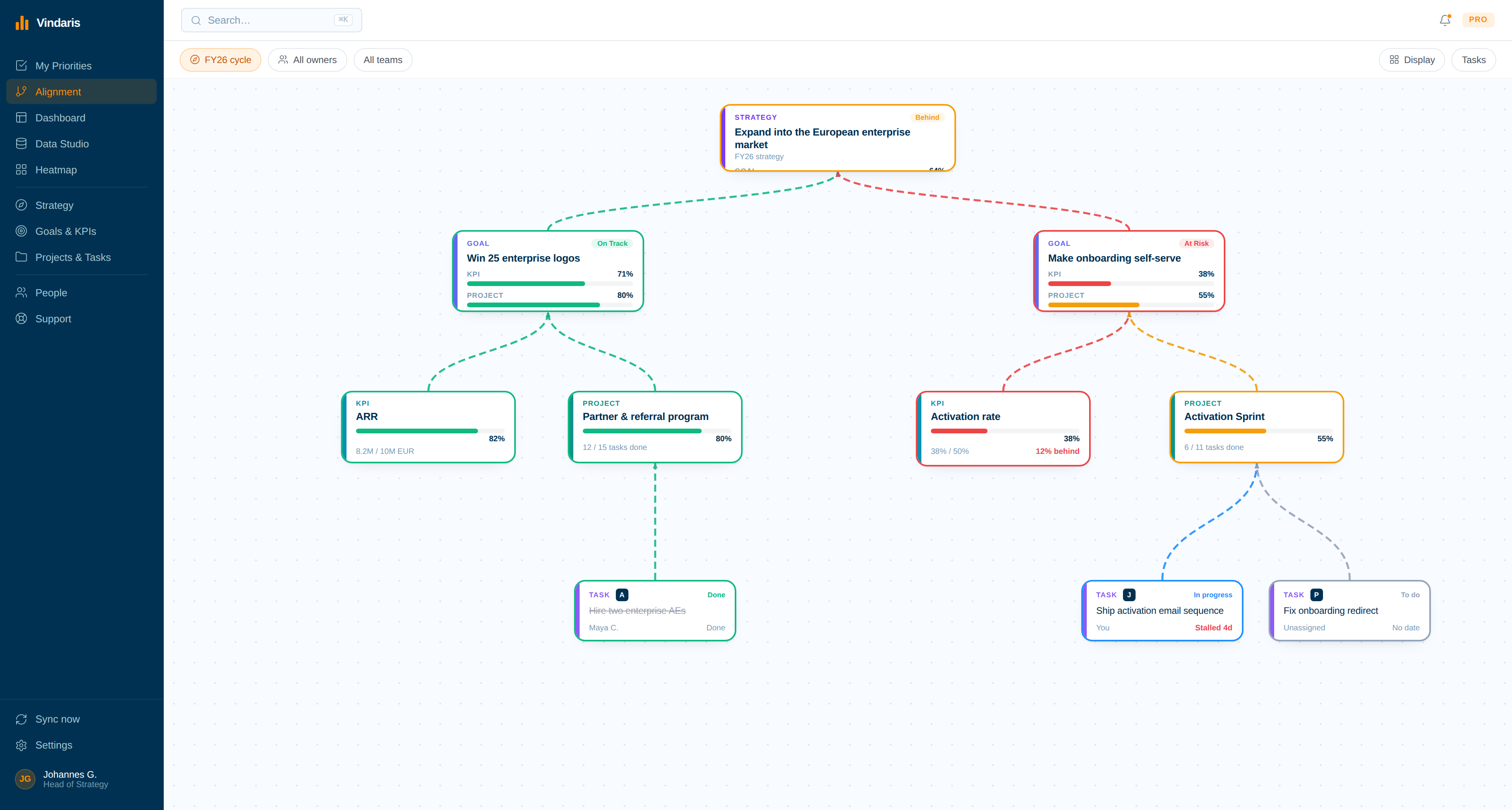
A folder bound to a goal informs that goal and everything aligned under it, the same inheritance a bound Slack channel follows, so projects and tasks beneath inherit the document context.
Refreshed daily
A scheduled job re-reads the folder each day. A document that changes is re-summarized; one that is removed drops out of the context on the next pass.
Read-only access
The connection requests file read permission only. Vindaris never writes to, moves, or changes a document in your OneDrive.
Its own Microsoft consent
OneDrive uses a consent separate from SharePoint and Excel, so the connections stay independent and one cannot disturb another.
How the connection works
Sign in, pick the folder, let it read.
The setup exists to put a document's intent in front of the goal it belongs to, so it is deliberately short.
01
Sign in with Microsoft
Authorize read access to your OneDrive files. The consent is scoped to file reads and nothing more.
02
Pick a folder on the canvas
Browse your personal OneDrive and drop the folder onto the goal, project or strategy it belongs to.
03
Vindaris summarizes the documents
Each file in the folder is read once and reduced to a short summary of what it defines, which becomes context on the bound item.
04
It stays current
The daily job keeps the summaries fresh, so a changed plan reaches the review instead of a version from three quarters ago.
Why it matters
The intent behind a goal is usually written down, then never looked at again.
Someone wrote the strategy deck. Someone drafted the one-pager that set the target and the scope. The work starts, the quarter moves, and that document goes quiet in a drive while the goal is reviewed on its status field alone, with none of the reasoning that produced it in the room.
Binding the folder keeps that reasoning attached to the goal without asking anyone to re-paste it. The summary travels down the alignment to the projects and tasks beneath, it refreshes when the document changes, and when Vindaris judges the goal at risk it can weigh what the goal was meant to achieve rather than the number alone.
Put the document behind the goal back in the room.
Connect OneDrive in a couple of minutes. Free forever for goal management, two integrations included.
Connect OneDrive free
No credit card | No migration | Nobody leaves OneDrive