Zapier
Automation
Add a Vindaris action to a Zap, and your other apps create goals and update KPIs.
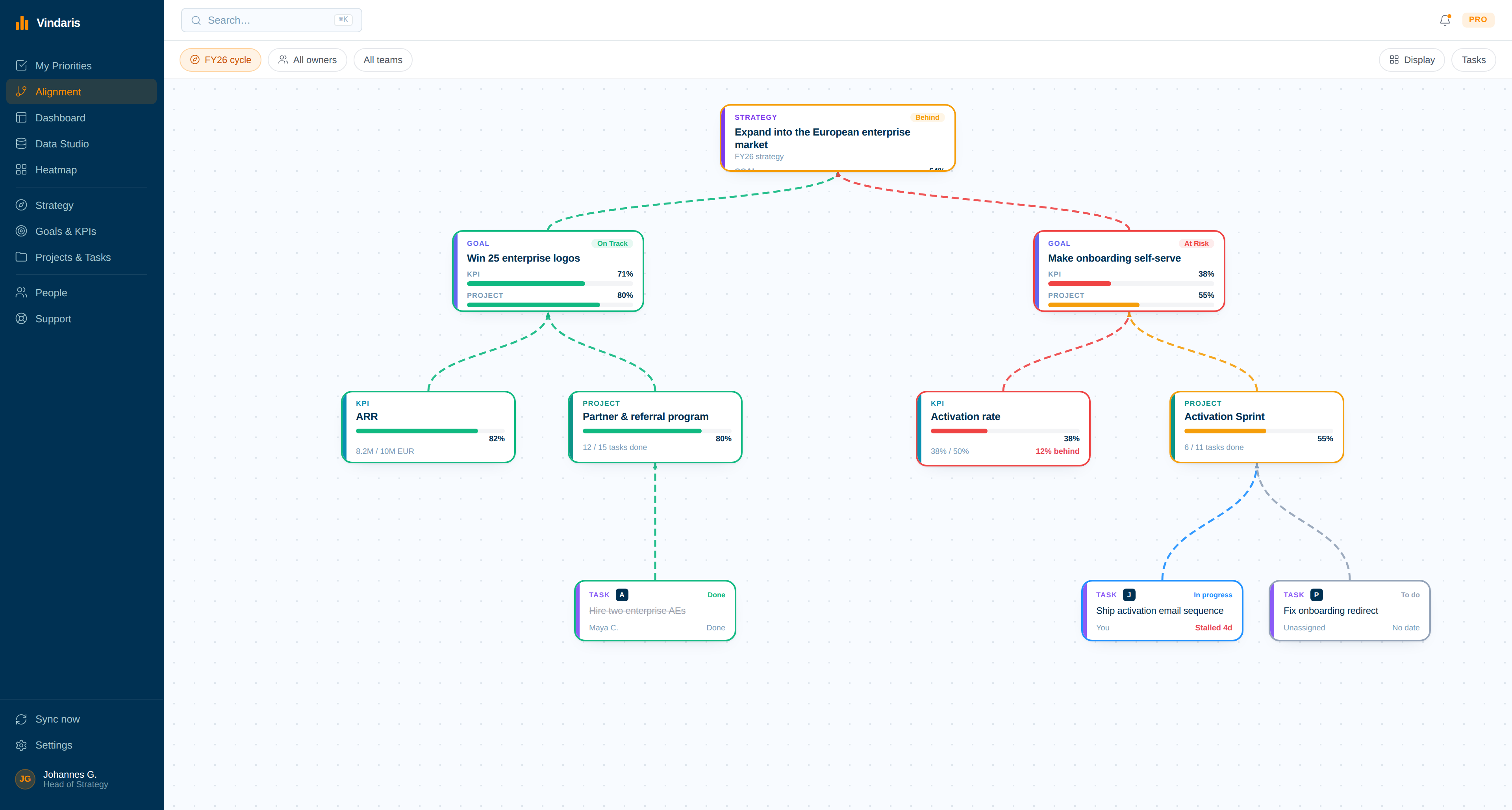
Zapier connects thousands of apps to each other. Add a Vindaris action to a Zap and those apps can create and update goals, projects, KPIs and tasks in your workspace, and post comments, so a signed contract or a filled form lands on the plan without anyone retyping it.
What the Vindaris action does
The action creates work in Vindaris, then keeps what it made current.
Pick the Vindaris action inside your Zap and choose what it should do. It can open a new goal, project, KPI or task, update one it created on an earlier run, or post a comment, all driven by the data the Zap already carries.
Create goals, projects, KPIs and tasks
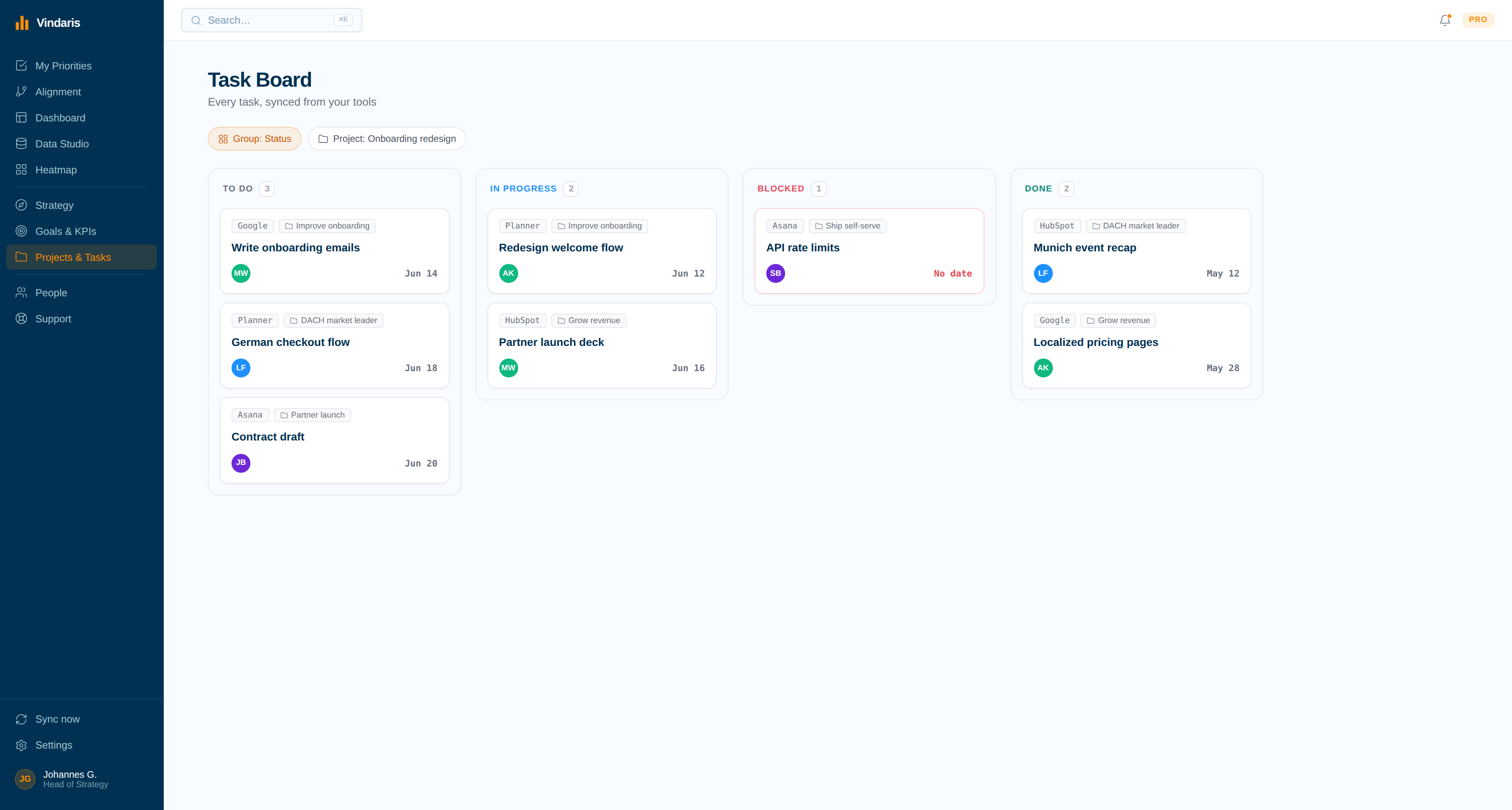
A Vindaris action can open any of these in your workspace from the data a Zap carries, so a new deal or a new project kicks off the matching work in Vindaris.
Update what the connection created
The same action can update an object it made on an earlier run, moving a KPI value or a task status as the source app changes.
Updates stay inside the connection
An update only ever changes an object this Zapier connection created. Work your team created by hand in Vindaris is never edited by a Zap.
Post comments onto the right item
A Zap can post a comment onto a goal, project, KPI or task, so a note from the source app shows up in the discussion on the item it belongs to.
Driven by the apps you already run
Zapier reaches thousands of apps. Any of them can trigger the Zap, so the data that creates and updates Vindaris work starts where your team already works.
Authorized with your Vindaris account
The first run opens the Vindaris login so you authorize the connection. The Zap then acts within the access your account already has.
How the connection works
Build the Zap, then drop in the Vindaris action.
You set this up in Zapier, not in Vindaris. The Vindaris action is one of the steps you add to a Zap, and it authorizes itself against your workspace the first time it runs.
01
Build a Zap in Zapier
Start from any trigger Zapier supports, such as a new CRM deal or a submitted form your team already uses.
02
Add the Vindaris action
In the action step, choose the Vindaris app and pick what it should do: create or update a goal, project, KPI or task, or post a comment.
03
Sign in to authorize
The first time the step runs, Zapier opens the Vindaris login. Authorize it once and the connection is reused on every later run.
04
Map the fields and turn it on
Point the Zap's data at the Vindaris fields, then switch the Zap on. From then on the action runs on its own.
Why it matters
The deal closes in the CRM, and the plan never hears about it.
A contract gets signed in the CRM. A project gets greenlit in a form. The event that should start work in Vindaris happens somewhere else, and someone has to remember to open the goal or the task by hand, which is exactly the step that gets skipped when a quarter is busy.
A Zap removes that step. The source app that already knows a deal closed can create the goal or open the task in Vindaris the moment it happens, and because an update only touches what the connection created, the automation keeps its own work current without ever disturbing what your team set up.
Let the apps that start the work open it in Vindaris.
Add a Vindaris action to your first Zap in a couple of minutes. Free forever for goal management, two integrations included.
Automate Vindaris with Zapier
No credit card | No migration | Nobody leaves Zapier