SAP Business One
Invoiced revenue in SAP Business One becomes a KPI that updates itself every day.
Vindaris logs in to the Business One Service Layer, runs the count or sum you bound to a KPI, and logs out again. Your strategy board shows the number from your ERP, with a daily history Vindaris uses to judge whether the target is still reachable.
Invoices and open orders as KPIs that keep themselves current.
The Service Layer exposes Business One documents and master data as OData entities. A Vindaris KPI binds to one entity and an aggregate over it, with an optional filter, so the definition stays readable on the KPI itself.
Invoices, Orders, PurchaseInvoices, BusinessPartners or any other entity your user can read. Vindaris tries server-side aggregation first and pages through the rows when the Service Layer cannot add them up itself.
Use {startOfMonth}, {startOfQuarter}, {startOfYear} or {today} in a filter such as DocDate ge {startOfYear}. Vindaris fills in the date at every sync.
Invoiced revenue this year, open sales order value, customer receivables and purchase spend come ready to bind, each with its filter in place.
Vindaris logs in, runs every KPI query for your company in the same session, and logs out, so no session stays open between syncs.
Many Service Layer installations run on a self-signed certificate. You can accept it for that one host, and every other connection keeps full certificate checks.
Vindaris only reads. It never creates or changes a document or master record in Business One.
Open the Service Layer to Vindaris, then bind the KPI.
Business One usually runs on your own server or in your partner's data center, so the one-time step is network access. Nothing has to be approved by SAP.
Your IT team or Business One partner makes the Service Layer reachable from the internet, typically through a reverse proxy, and can restrict access to the Vindaris IP address.
Set up a dedicated Business One user with read authorization for the documents your KPIs need.
Enter the Service Layer URL, the company database and the user's credentials. Vindaris logs in once to check them before saving.
Pick an example or define the entity and aggregate, sync once to check the value, then align the projects meant to move it.
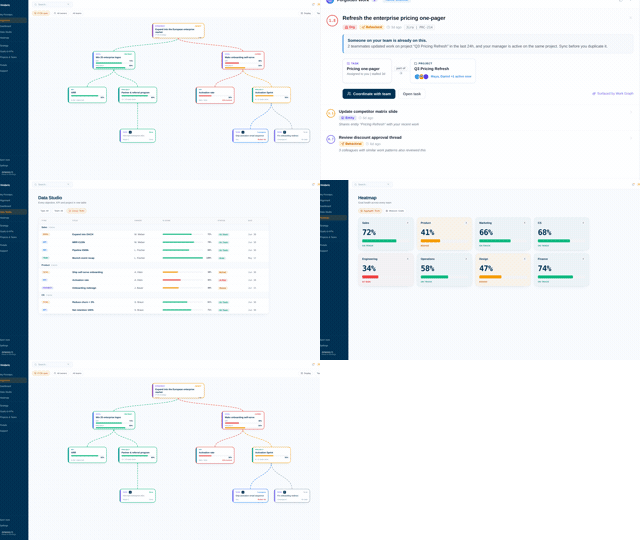
The ERP figure on the strategy board.
Invoiced revenue comes from Business One itself, so the leadership review reads the same number accounting sees, refreshed every morning.
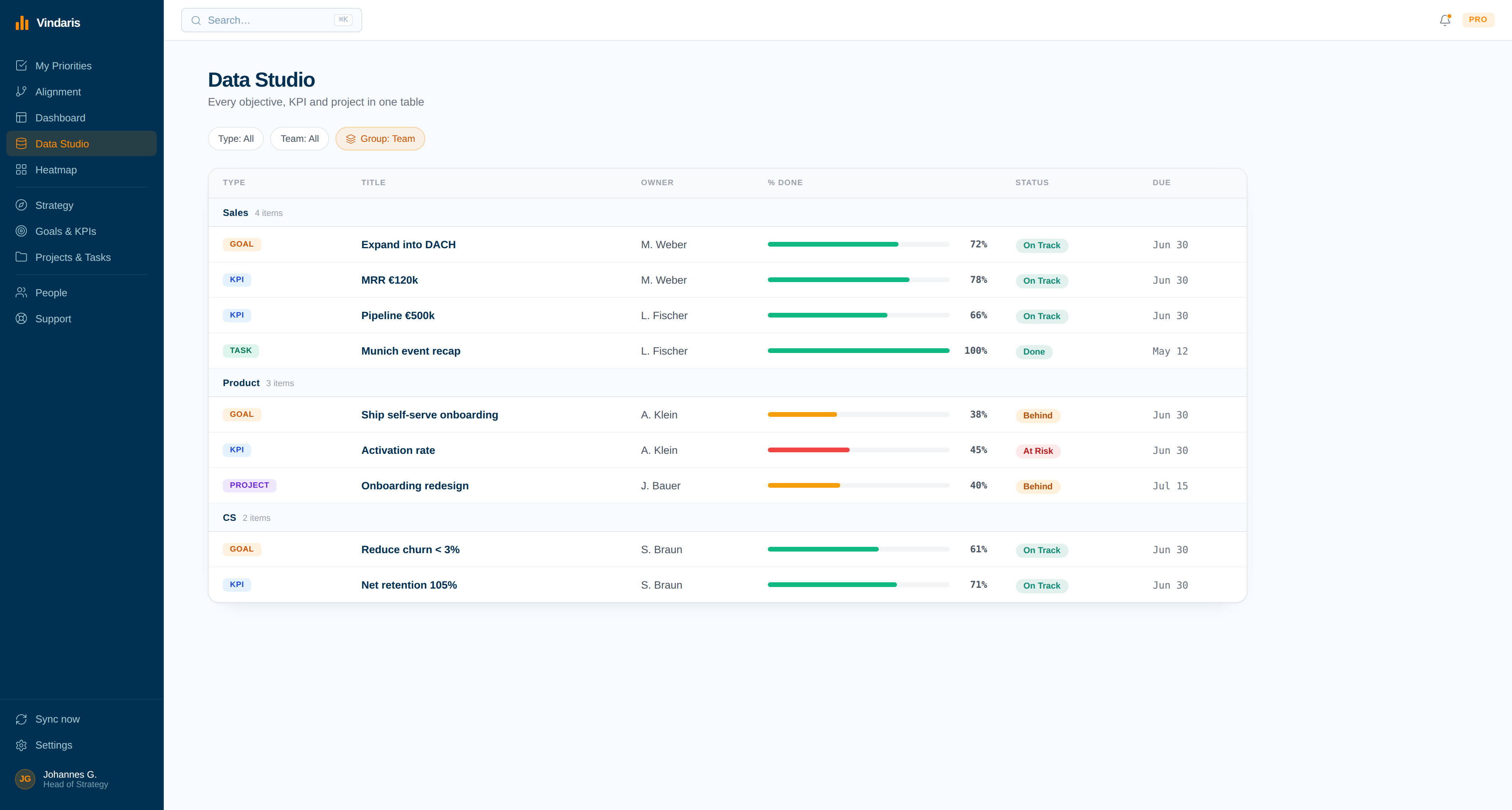
A target that slips, flagged while there is time to act.
With the KPI fed daily and the projects mapped, Vindaris flags the goal whose revenue trend can no longer reach the target, and names the projects meant to move it.
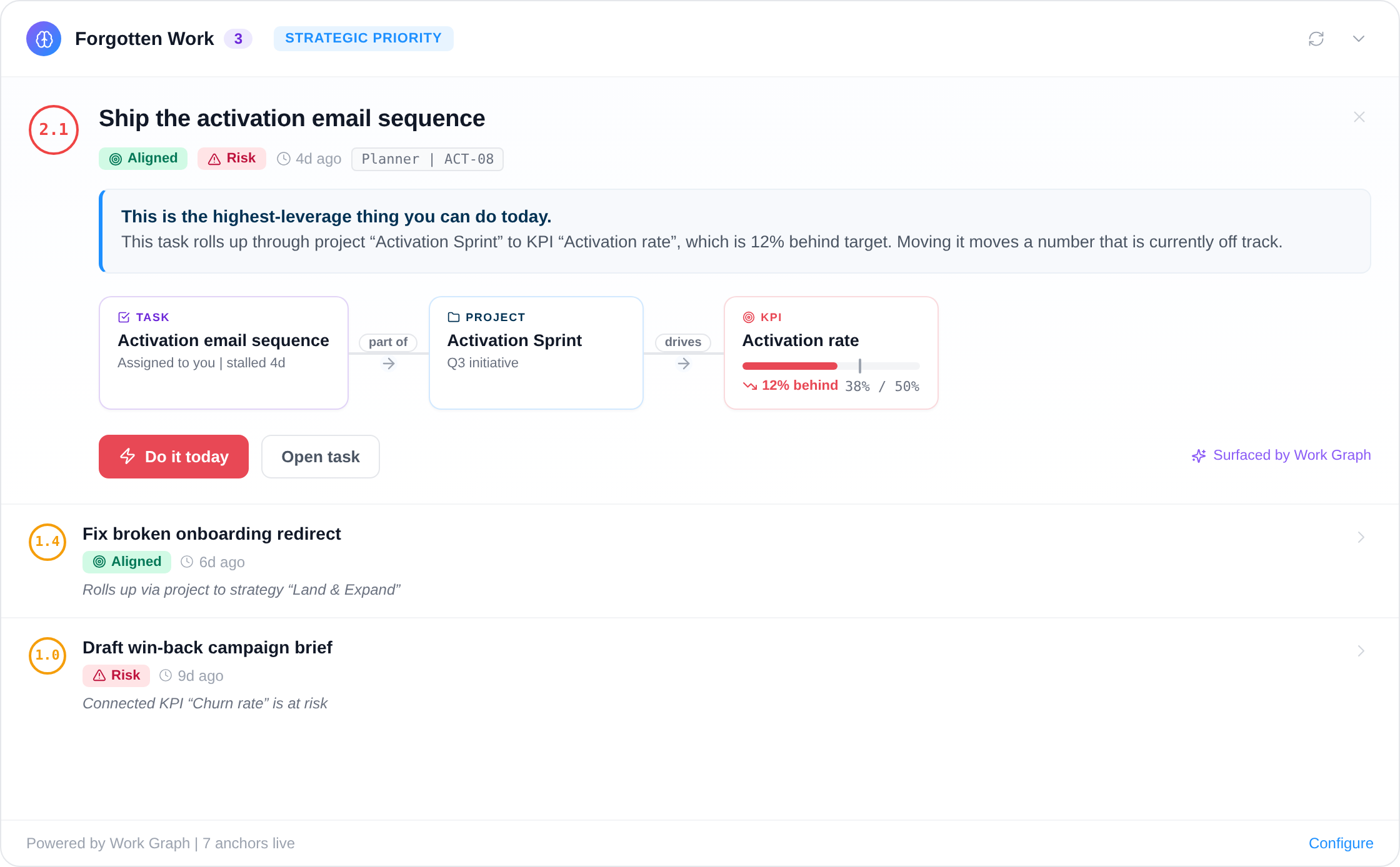
The ERP holds the number. The strategy review runs on a spreadsheet copy.
Mid-sized companies on Business One tend to report KPIs the same way. Someone runs a query or a Crystal report at month-end, copies the totals into Excel, and the leadership team discusses a figure that was already old when the meeting started.
Binding the KPI to the Service Layer removes the copy step. The number refreshes daily, its definition sits on the KPI, and the daily history lets Vindaris flag a target that can no longer be reached at the current pace while the teams working on it can still change course.
Where to go next
SAP Business One and Vindaris, answered
Which Business One versions does Vindaris support?
Any installation that runs the Service Layer, through either the v1 or the v2 endpoint.
Our Business One server is not on the internet. Can Vindaris still connect?
Vindaris connects over the internet and does not reach private networks. Your IT team or partner can publish the Service Layer through a reverse proxy and allow only the Vindaris IP address.
Can Vindaris change data in Business One?
No. The integration logs in, reads, and logs out. Give the Vindaris user read authorization for the documents your KPIs need and nothing more.
Do we need our SAP partner to set this up?
No. Anyone with administrative access to the Business One server can do it. Many companies still ask their partner, because the partner already manages the server and the network.
How often does the value refresh?
Once a day on a schedule. You can also sync a KPI on demand from its settings, for example right before a review.
Let Business One keep the revenue KPI current.
Open the Service Layer once, and every KPI bound to Business One updates daily. Free forever for goal management, two integrations included.
Connect SAP Business One freeNo credit card | No migration | Nobody leaves SAP Business One