SAP S/4HANA
Billed revenue in SAP S/4HANA becomes a KPI that updates itself every day.
Pick an OData service, an entity set and a count or sum, bind it to a KPI, and Vindaris records the value daily. The KPI on your strategy board carries the figure your finance team books, plus the history Vindaris needs to judge whether the target is still reachable.
Any number S/4HANA can count or add up.
S/4HANA publishes its business data as OData services, the same APIs listed on the SAP Business Accelerator Hub. A Vindaris KPI binds to one entity set in one service and an aggregate over it, so anyone who opens the KPI can read how the number is defined.
Count billing documents, add up TotalNetAmount, or average an order value. Where a service supports server-side aggregation, S/4HANA returns the total directly. Otherwise Vindaris pages through the rows and adds them up.
Filters accept {startOfMonth}, {startOfQuarter}, {startOfYear} and {today}. Vindaris fills in the date at every sync, so a revenue-this-year KPI keeps rolling forward without anyone editing the filter.
Common KPIs such as billed revenue this year come ready to bind. Pick one, then narrow the filter to your company codes or sales organizations.
Classic services under /sap/opu/odata/ and newer OData v4 services both work, including the sap-client parameter for systems with several clients.
A scheduled job records the value each day, so the KPI builds the trend Vindaris compares against the target date.
Vindaris sends read requests only. It never creates or changes a document in S/4HANA.
Your SAP admin grants access once. The KPI updates itself after that.
S/4HANA has no central sign-in for third-party apps, so each company grants access inside its own system. Nothing has to be approved by SAP.
In S/4HANA Cloud, your administrator creates a communication user and a communication system for Vindaris, then a communication arrangement for the sales or billing APIs your KPIs use. On-premise systems use a technical user, published through SAP BTP or a reverse proxy.
Enter the API URL and the credentials under Settings, Integrations. Vindaris reads a service document before saving, so a wrong URL or a missing permission shows up right away.
Open the KPI, pick an example or enter the service, entity set and aggregate, then sync once to confirm the number matches what SAP shows.
Align the projects and tasks meant to move the KPI, from Jira, Asana or any connected tool, so Vindaris can compare the effort with the result.
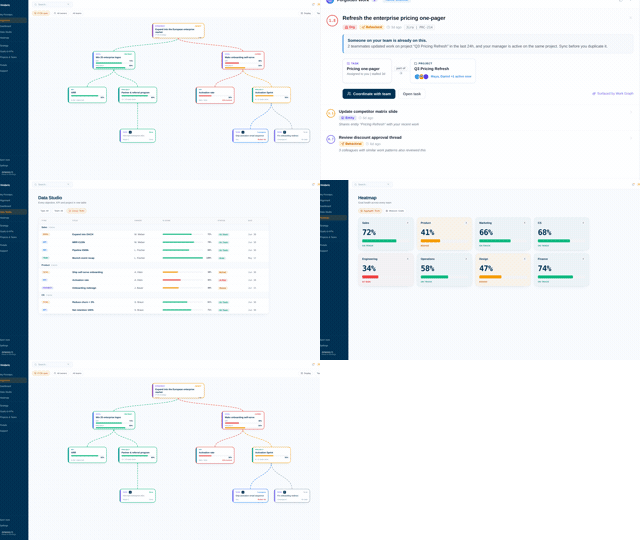
Revenue on the board, straight from the system that books it.
The KPI value comes from the billing documents in S/4HANA, so the leadership review starts from the booked figure and skips the debate over whose export is current.
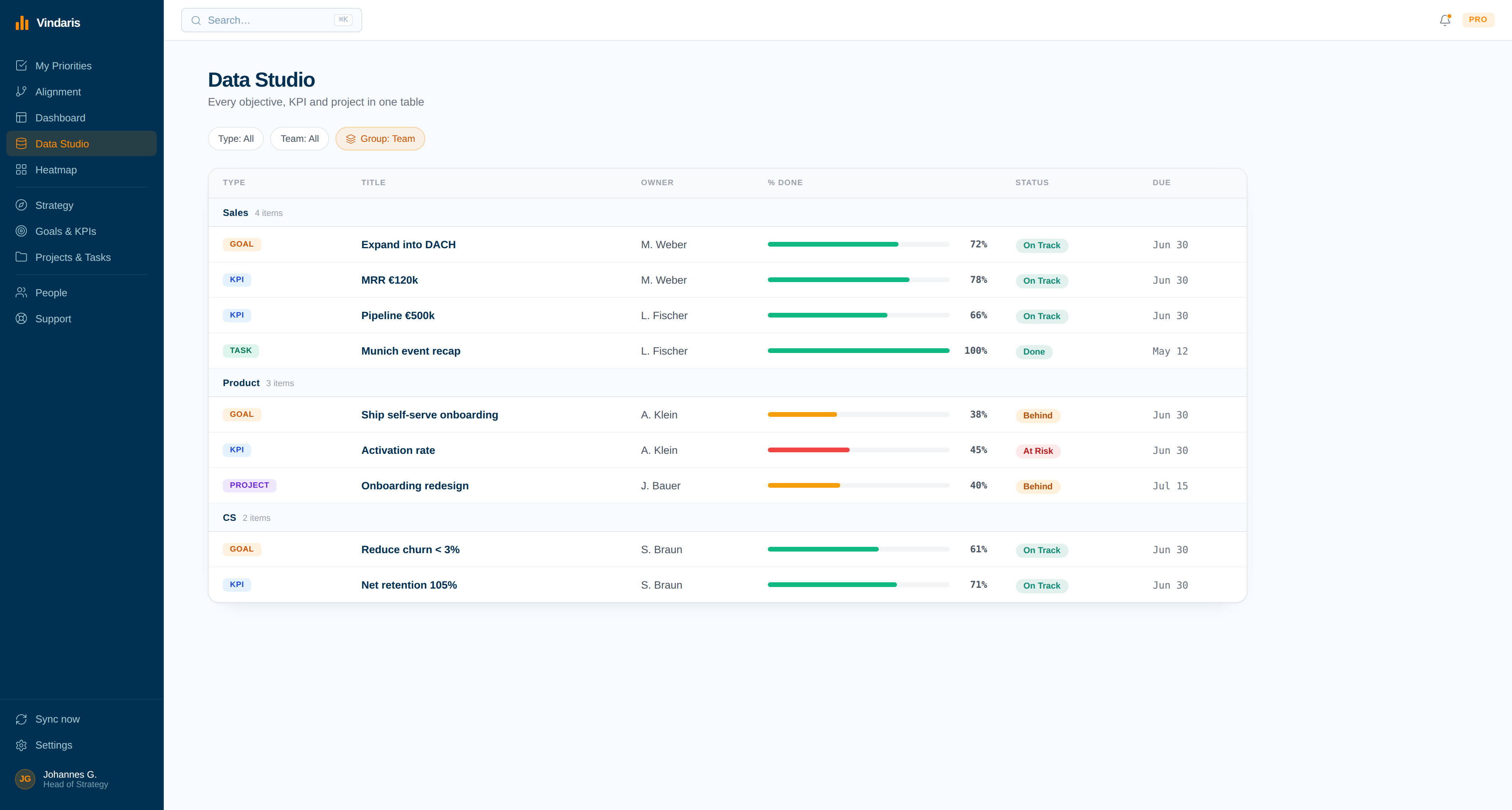
Effort compared with the number it should move.
With the KPI fed daily and the projects mapped, Vindaris flags the goal that has plenty of activity and a flat revenue line, weeks before the quarterly review would catch it.
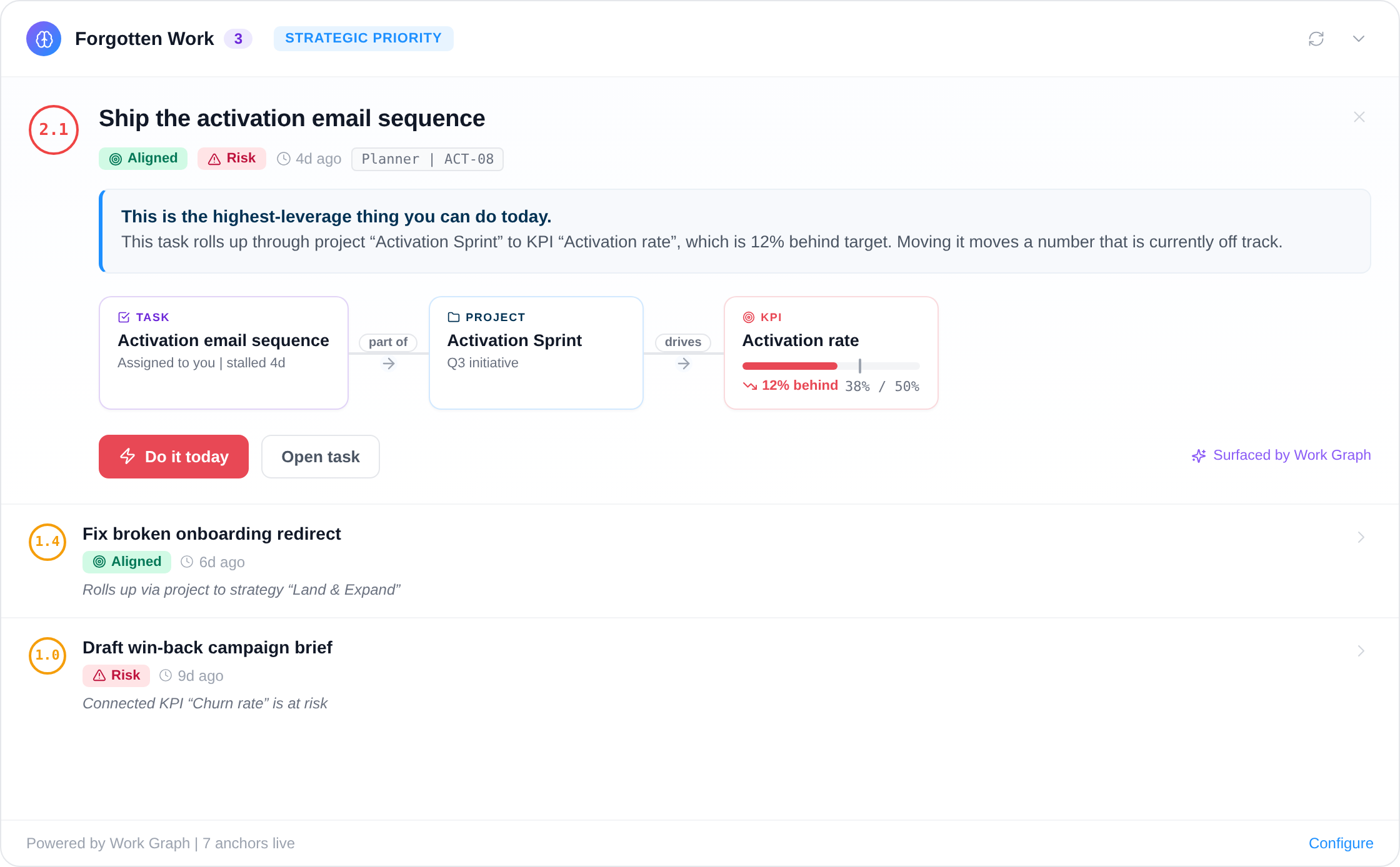
The revenue figure lives in SAP. The strategy review gets last month's copy.
In most SAP companies, someone in controlling exports a report, adjusts it in Excel, and pastes the result into a slide or a strategy tool. By the time the leadership team discusses the number it is weeks old, and nobody outside controlling can check how it was calculated.
A bound KPI fixes both. The value refreshes daily from S/4HANA, the definition sits on the KPI where anyone can read it, and the daily history lets Vindaris calculate whether the target is still reachable at the current run rate. Controlling keeps its month-end close, and the strategy review no longer waits for it.
Where to go next
SAP S/4HANA and Vindaris, answered
Does Vindaris need an app registered with SAP?
No. Each S/4HANA system manages its own access, so there is no central SAP app to approve. Your administrator creates a communication user or an OAuth client in your own system and enters it in Vindaris.
Does it work with S/4HANA on-premise?
Yes, as long as the OData services are reachable over HTTPS from the internet, for example through SAP BTP Cloud Connector, SAP API Management or a reverse proxy. Vindaris connects from a fixed IP address that your firewall can allowlist.
Can Vindaris change data in S/4HANA?
No. The integration only sends read requests to OData services. Give the communication user read access to the APIs your KPIs use and nothing more.
What if a query matches millions of rows?
When a service cannot add up a field itself, Vindaris pages through the rows, up to 200,000 of them. A larger set stops with a message asking for a filter, and a period filter such as {startOfYear} usually solves it.
Can I try it without an S/4HANA system?
Yes. With a free API key from the SAP Business Accelerator Hub, the Vindaris connect dialog points at the public SAP sandbox, so you can bind a test KPI before involving your administrator.
Let S/4HANA keep the revenue KPI current.
Your SAP administrator grants access once, and every KPI bound to S/4HANA updates daily. Free forever for goal management, two integrations included.
Connect SAP S/4HANA freeNo credit card | No migration | Nobody leaves SAP S/4HANA