SharePoint
Document context
Bind a SharePoint folder to a goal, and Vindaris reads the documents behind it.
The strategy deck and the project plan usually sit in a SharePoint document library. Vindaris summarizes the documents in a folder you connect and uses those summaries in the risk narratives and reviews for the goal and everything aligned under it.
What Vindaris reads
The library folder holds the reasoning behind the goal.
A goal usually starts as a document: a strategy deck, a planning doc, a one-pager with the target and the scope. Vindaris reads the folder you bind so that reasoning is available wherever the goal is reviewed.
A folder you choose
You bind one document-library folder to a goal, project or strategy. Vindaris reads the documents in the folders you bind and no others.
A summary of each document
For each document, an AI model writes a short summary of what it defines or decides. Vindaris stores the summary and not the full text.
Context follows the alignment
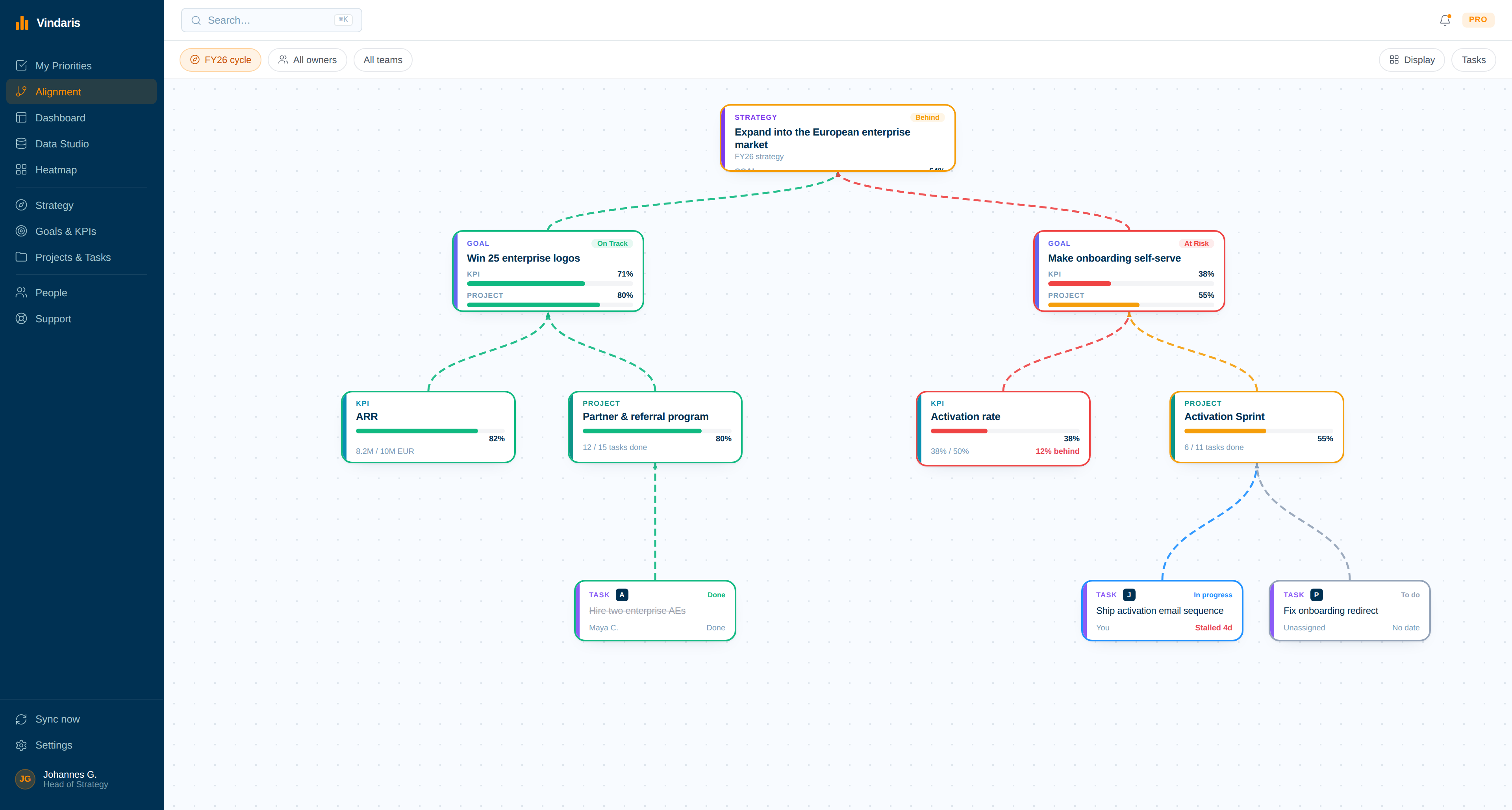
A folder bound to a goal informs that goal and the projects and tasks aligned under it.
Refreshed daily
A scheduled job reads each bound folder once a day. Vindaris summarizes a changed document again and drops a removed one on the next pass.
A changed document is a signal
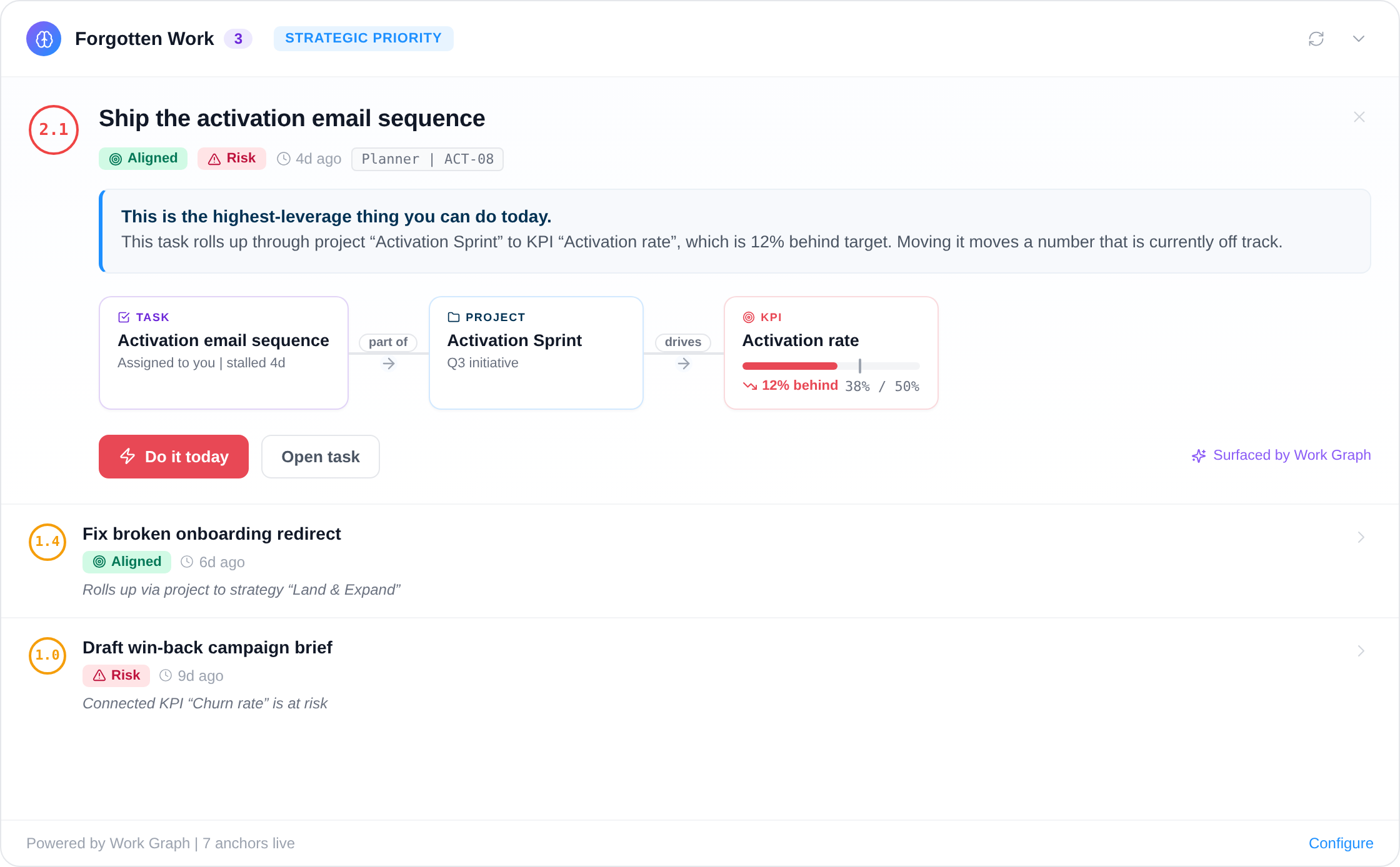
Each new or changed document in a bound folder becomes a document-updated signal on the plan item in the Work Graph.
Read-only access
The connection requests read permissions only. Vindaris cannot write, move or delete anything in SharePoint.
How the connection works
Bind the folder, then let Vindaris read.
The setup has one decision in it: which folder explains which goal.
01
Sign in with Microsoft
Connect from the integrations settings in Vindaris with a work or school account. The consent covers reading files and sites.
02
Pick a folder on the canvas
A workspace admin browses by site and document library, then binds the folder to the goal, project or strategy it belongs to.
03
Vindaris summarizes the documents
Vindaris extracts the text of each supported file in the folder and stores a short summary on the bound item.
04
The summaries stay current
The daily job picks up changed documents, so a revised plan reaches the next review.
Why it matters
Teams write the intent down once and then review the goal without it.
Someone wrote the deck that set the target. It went into a team site, the quarter started, and every review since has looked at a status and a number. The reasoning that produced the goal is not in the review.
Binding the folder attaches that reasoning to the goal. The summary reaches the projects and tasks aligned under the goal, Vindaris refreshes it when the document changes, and the risk narrative can weigh what the goal was meant to achieve.
Give the goal the documents it was built on.
Connect SharePoint in a couple of minutes. Free forever for goal management, two integrations included.
Connect SharePoint free
No credit card | Nobody leaves SharePoint